

DAKboard does not have a 30 minute sync delay.
I found that claim in most DAKboard alternatives articles, usually as the headline reason to switch. It is a refresh rate, and it is one of four.
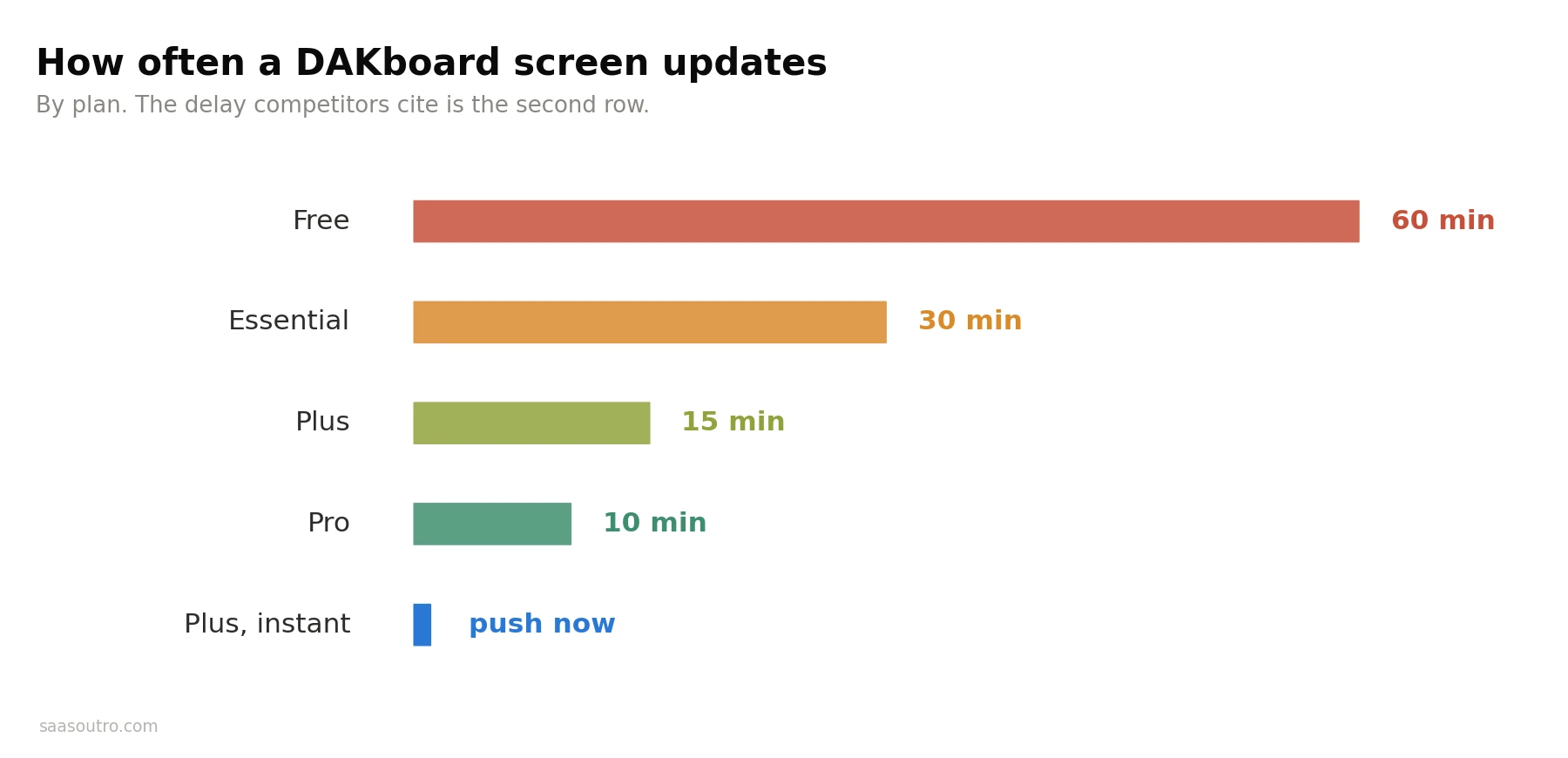
According to DAKboard's own support answers, the Free plan refreshes hourly, Essential every 30 minutes, Plus every 15 minutes and Pro every 10. Plus also adds an instant display refresh, so staff can push a change out immediately rather than waiting for the next cycle.
So the flaw being described is the middle tier's setting. I would fix it by changing plan rather than changing product.
I am opening with that because it tells you what kind of articles you have been reading, and it is the single most repeated inaccuracy on this search.
Who Writes the DAKboard Competitors Lists
I would weigh this before taking anyone's recommendation, including mine.
Mango Display publishes a list of alternatives to DAKboard with Mango Display at number one. Smartnmagic sells DAKboard hardware and publishes a piece arguing there are no real DAKboard alternatives. AlternativeTo lists more than fifty results with no judgement at all, mixing family calendars with enterprise digital signage.
None of that makes them liars. But the two most detailed pages on this keyword are written by companies with an obvious answer already in mind, and it shows in which facts get highlighted.
I sell nothing here, which is why I checked the refresh rates instead of repeating them.
 DAKboard Pricing: What It Actually Costs
Most comparisons quote DAKboard pricing as if it were one number. It is priced per screen, which changes the maths enormously depending on what you are doing.
From DAKboard's own pages, Essential starts at $5 per screen per month billed annually, with two screens included and about $4 a month for each extra one.
Plus starts at $8 per screen per month billed annually, with three screens included and about $5 for each additional. Both come with a 30 day free trial and no credit card required. There is a permanent DAKboard free plan, and you can cancel or switch between monthly and yearly at any time.
For one screen on a kitchen wall, I would call that cheap. For a business running twelve screens, I would model the per-screen cost carefully before committing.
This Keyword Is Really Two Different Searches
Here is why I think the existing lists feel so scattered.
DAKboard serves two audiences that share almost nothing. One is a family wanting a smart display on the kitchen wall showing a calendar, photos, to-do lists and chores. The other is a business wanting menus, schedules or dashboards on screens in a lobby or a break room.
DAKboard does both, so its alternatives lists end up putting Skylight next to TelemetryTV, which helps nobody.
I have split them below. Work out which one you are first, because it removes half the options immediately.
DAKboard Alternatives for Homes and Families
1. Skylight Calendar
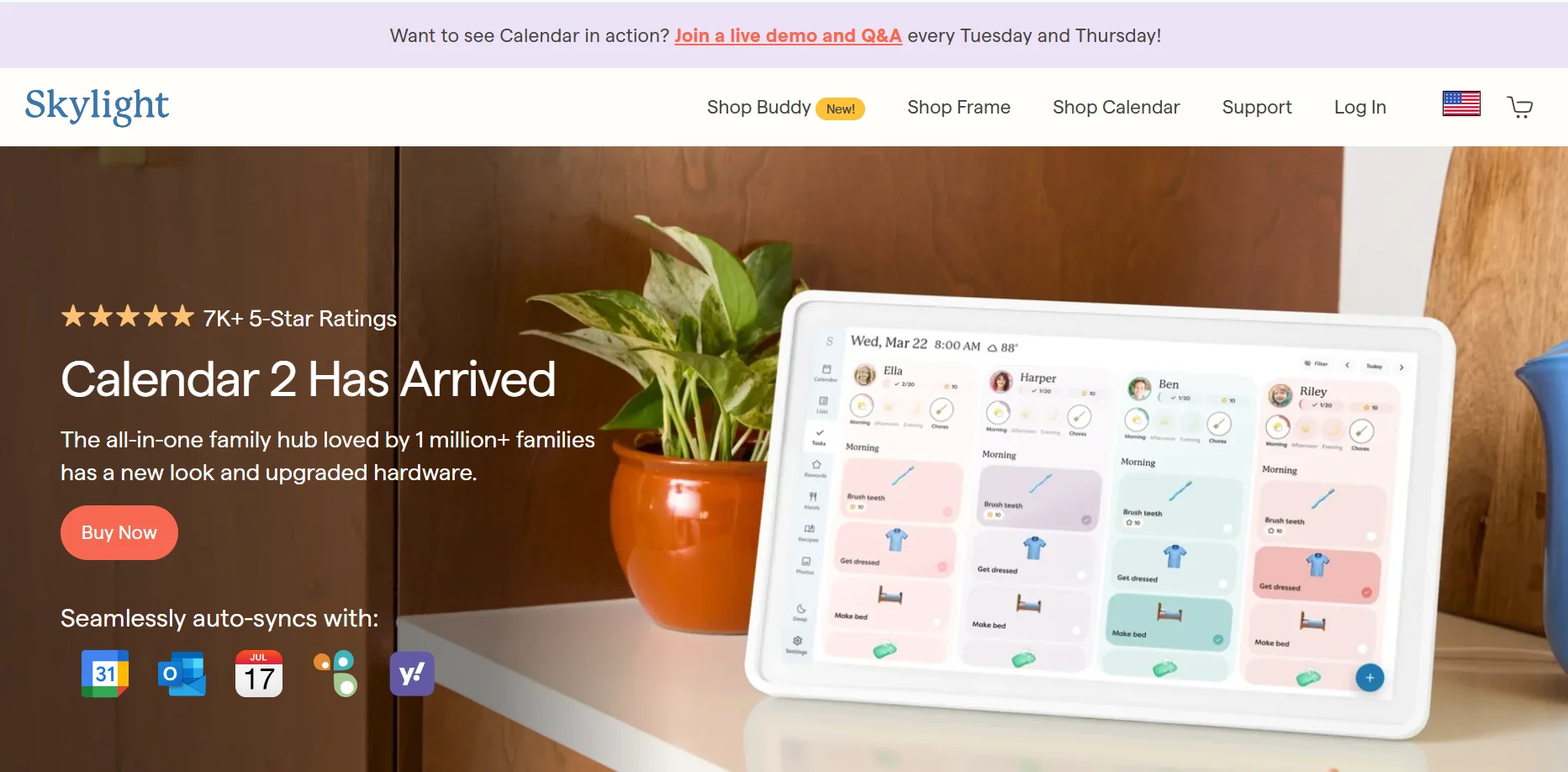 The dedicated hardware option, and the one most people land on. It is a touchscreen you hang on the wall with a family calendar, chores and photos built in.
What I like about it is that there is nothing to configure. The trade is that you buy their screen, you live inside their software, and customisation is limited compared to DAKboard's drag and drop layout editor.
2. Hearth Display
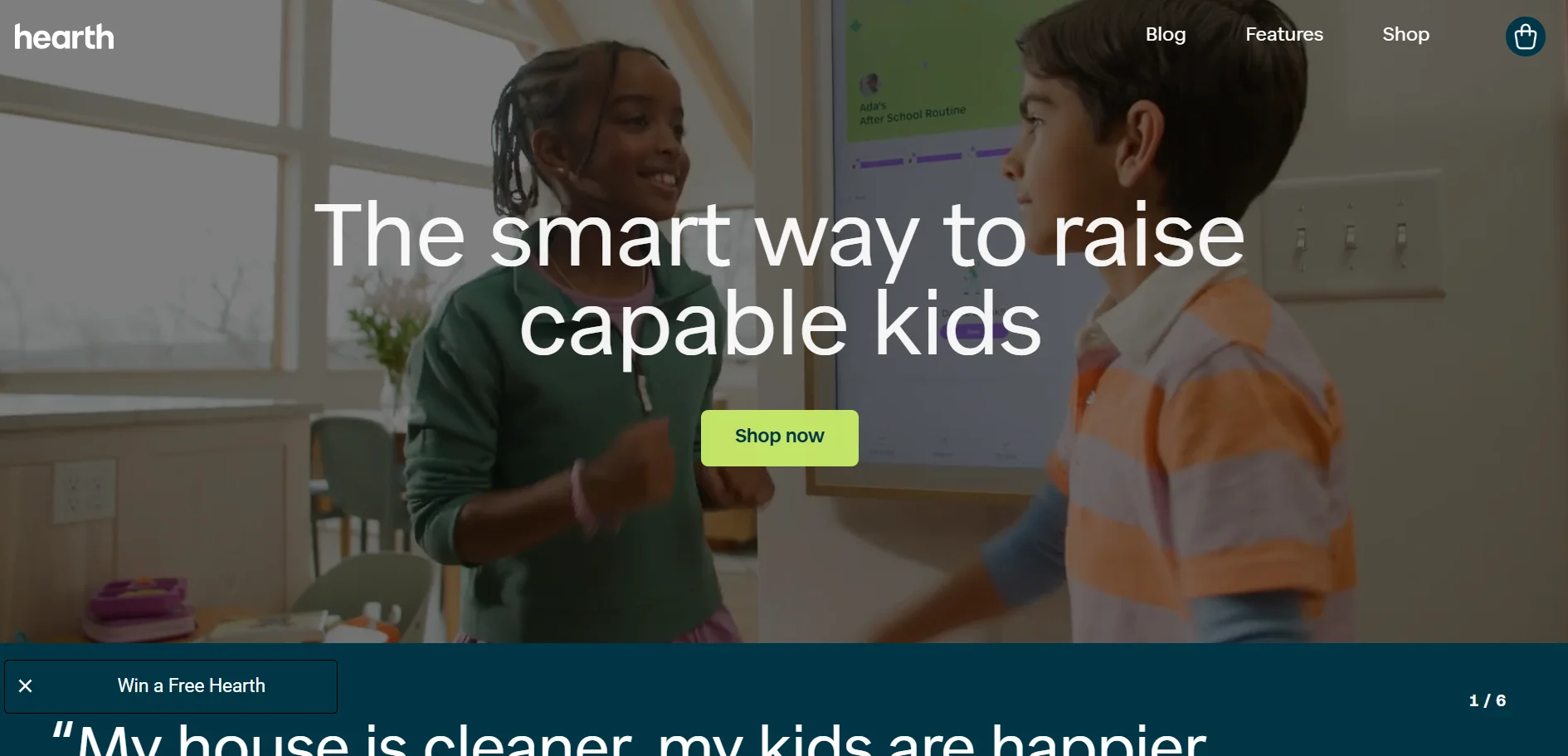 Similar idea to Skylight with a stronger focus on routines, rewards and household structure rather than raw calendar display.
I would look at it if the goal is getting children to do things rather than simply showing what is happening.
3. Mango Display
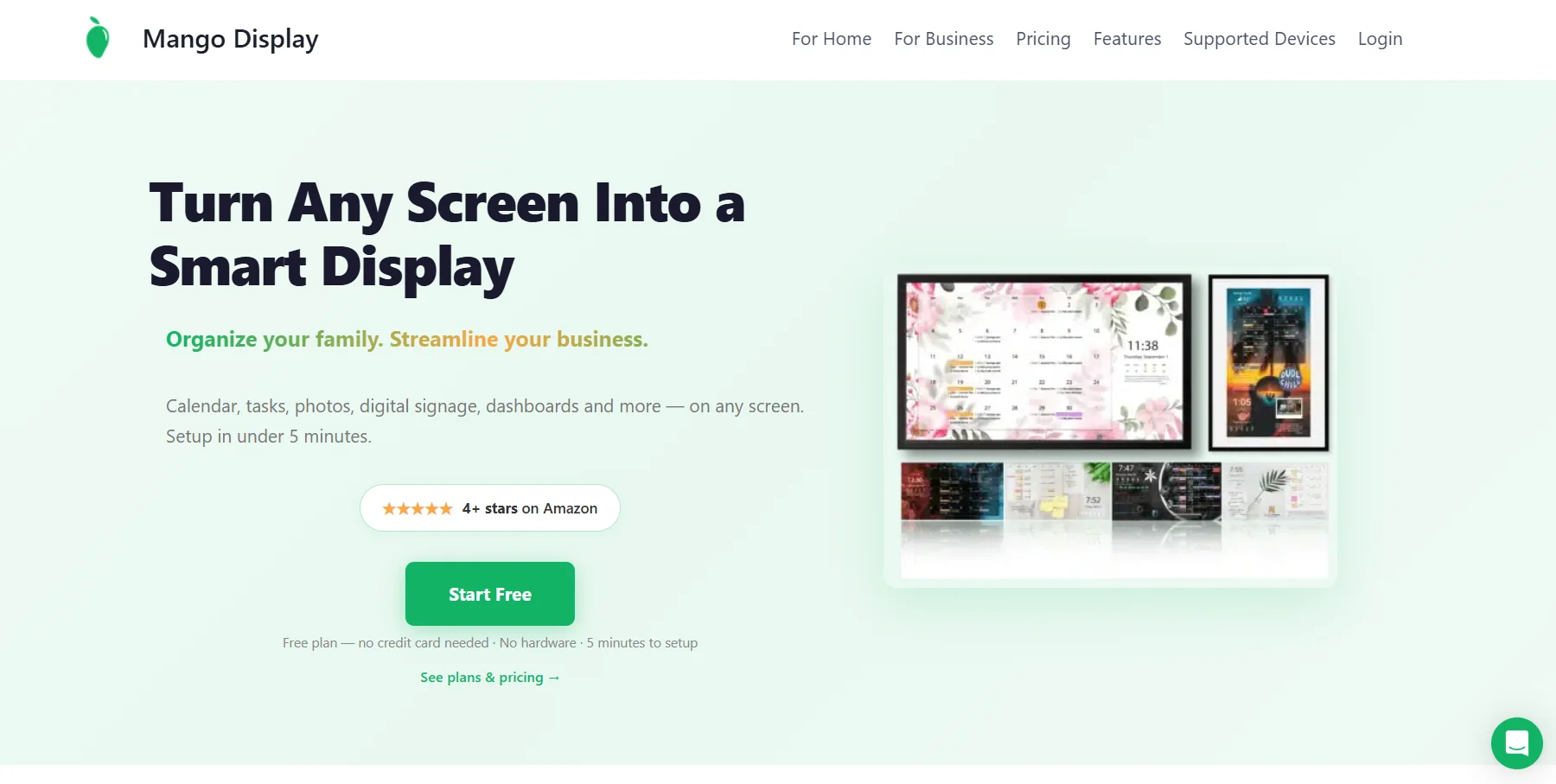 To my eye the closest direct software competitor to DAKboard for home use, and the one that avoids the Raspberry Pi route entirely. It installs as an app on a Fire TV Stick, Samsung or LG TV, Android TV, an iPad or an Echo Show, and connects to Google Calendar, Apple iCloud and Microsoft Outlook.
It publishes its prices, which I appreciate. There is a free plan covering two screens with clock, weather, news and quotes. Pro is $5.99 a month or $59.99 a year and adds calendar sync, tasks, chores, photos and meal plans across three screens. A Business plan at $19.99 a month adds signage features. All paid plans carry a 30 day trial.
Two caveats. Mango is also the company publishing the alternatives list that started the sync delay claim, so read its comparisons with that in mind. And it charges roughly the same as DAKboard Plus once you are past the free tier.
4. MagicMirror
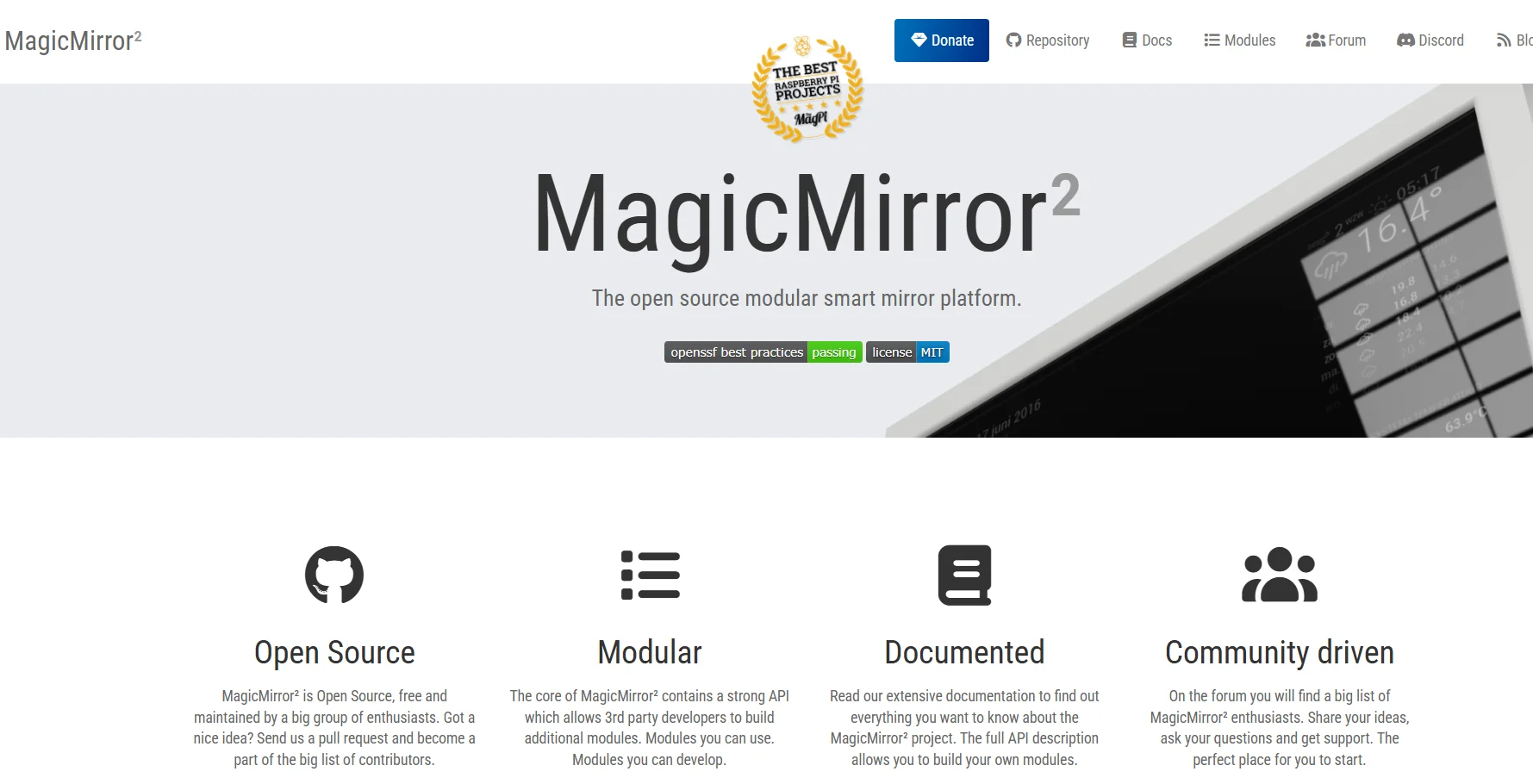 The free, open source option, and the answer I would give anyone who enjoys the building as much as the result.
It runs on a Raspberry Pi, has a large module ecosystem covering calendars, weather, to-do lists and smart home data, and costs nothing beyond hardware. It also expects you to be comfortable editing config files. If the phrase does not appeal, choose almost anything else on this list.
5. TimeTree or Cozi
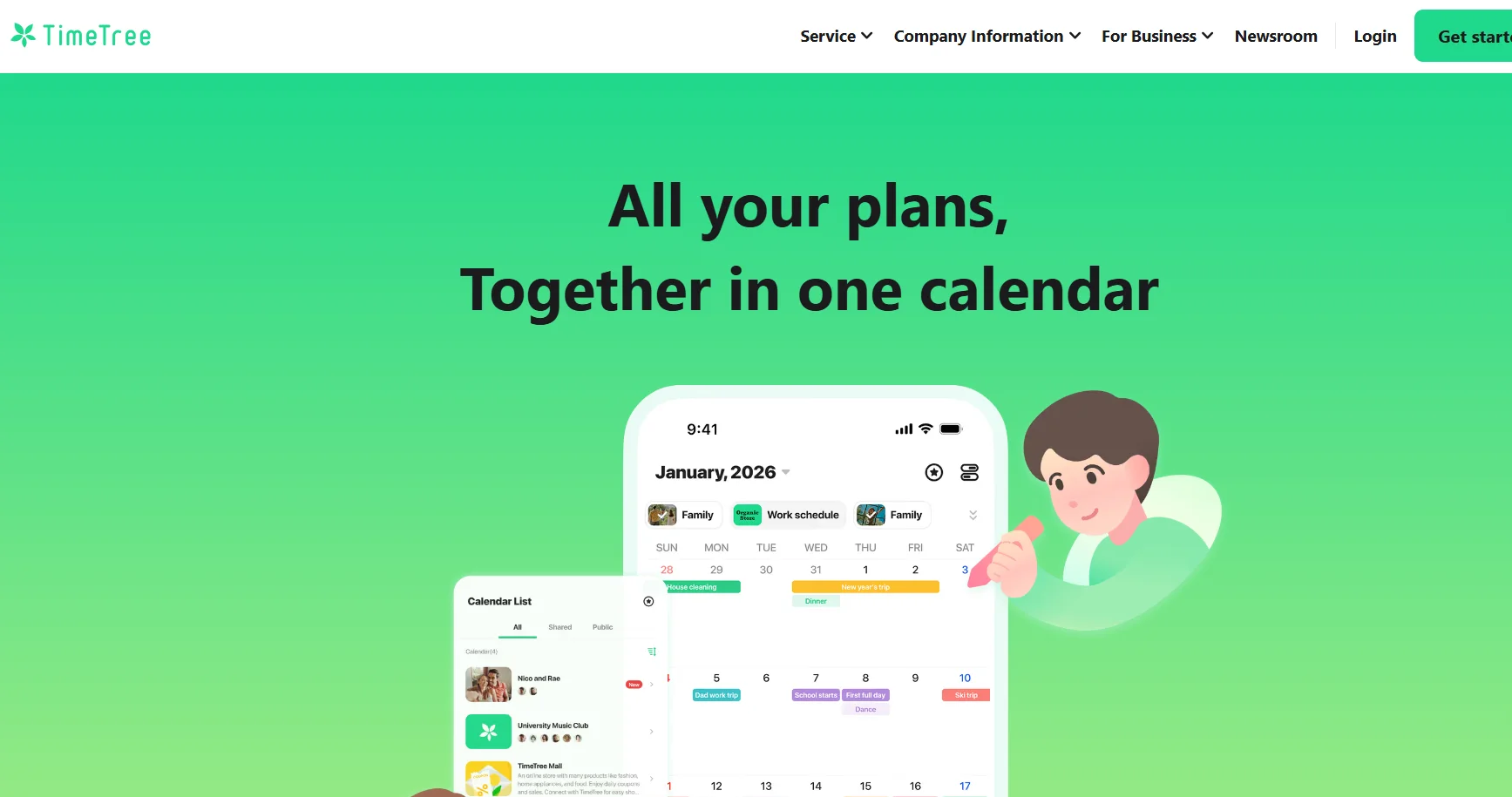 Not wall displays at all, and that is the point. If what you actually need is a shared family calendar everyone can see on their phone, an app is cheaper and easier than mounting a screen.
I include them because I suspect a fair number of people shopping for a wall display would be better served by a shared calendar and a cheap tablet propped in the kitchen.
DAKboard Alternatives for Offices and Digital Signage
This half of the market is a different product category, and the tools are built for managing many screens rather than one beautiful one.
6. Yodeck
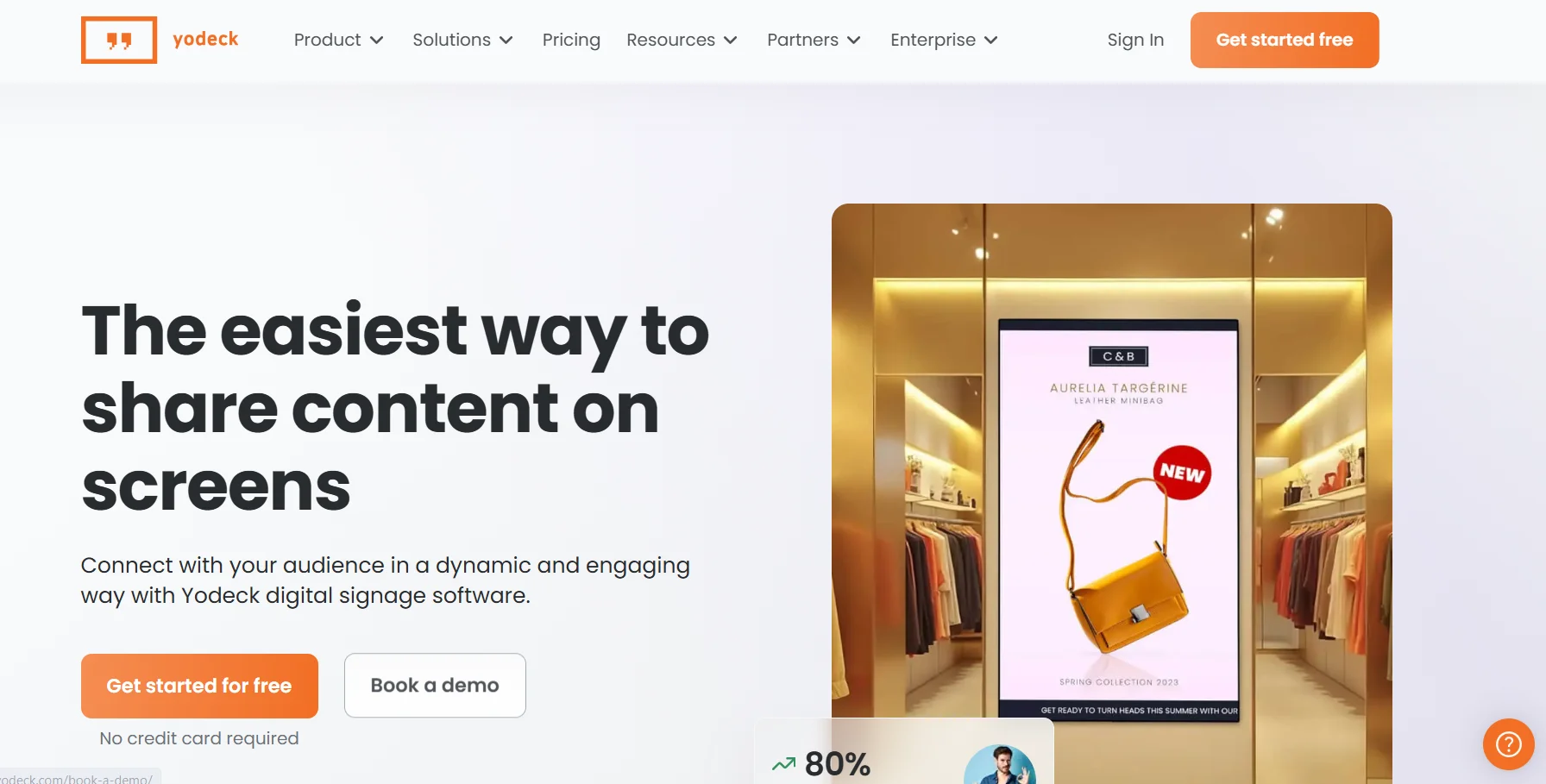 The first name I would put in front of a small business doing signage, with a strong per-screen pricing model and a large template library. Built for people who need screens to work rather than to look bespoke.
7. Xibo
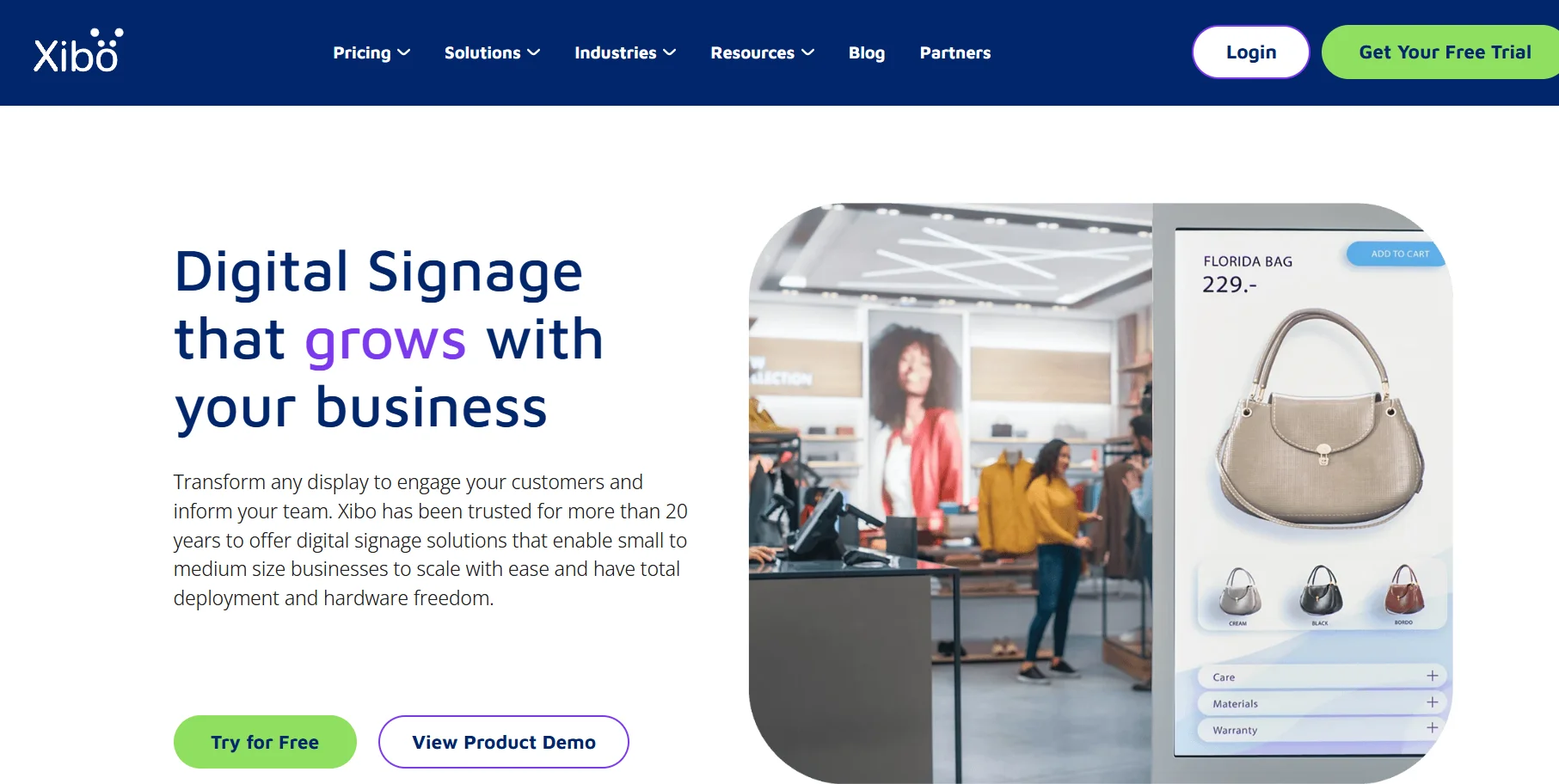 The open source option for signage. Self-host it for nothing or pay for their cloud. Powerful, and heavier to set up than the commercial products.
8. ScreenCloud
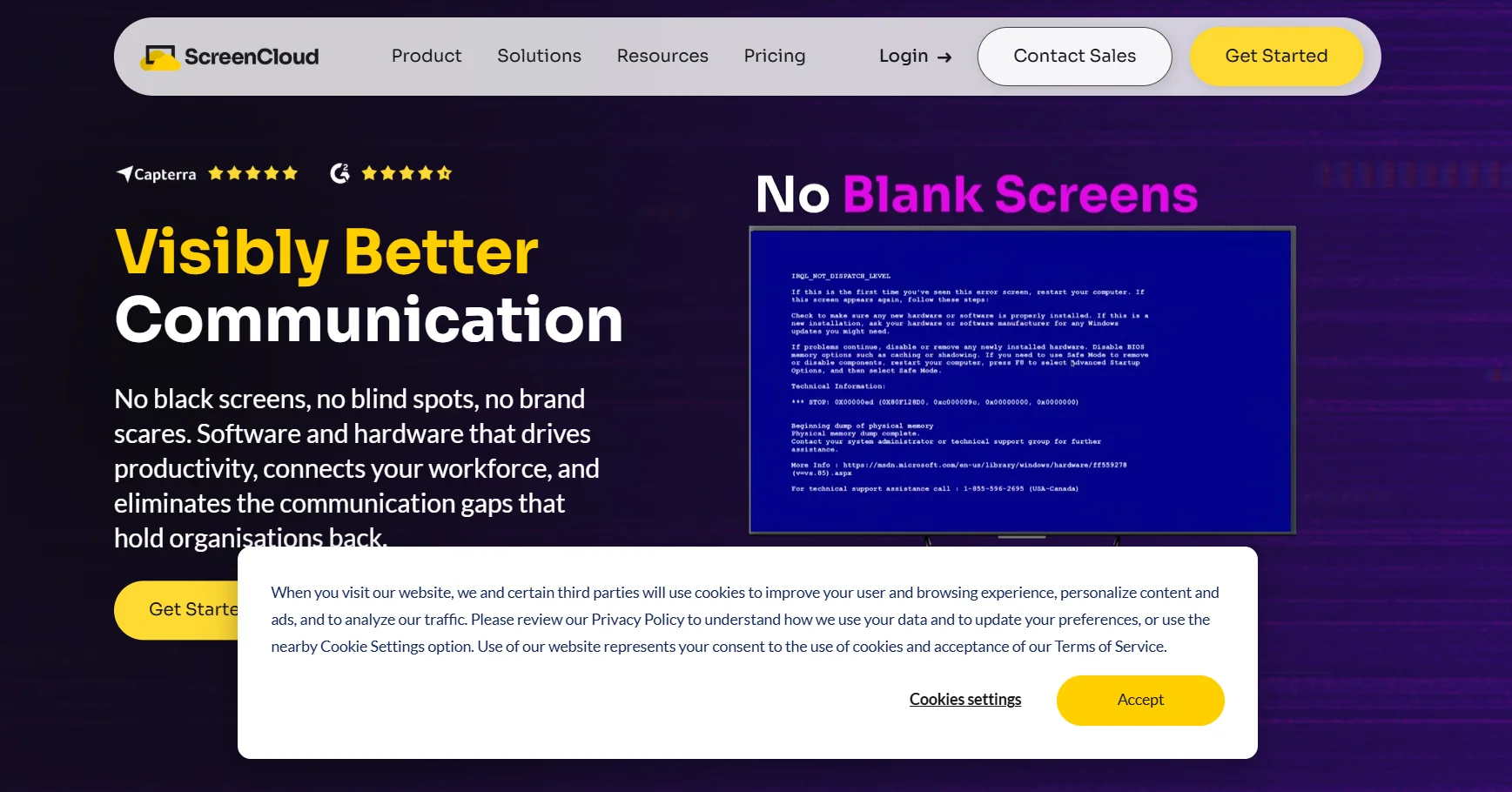 Aimed at internal communications. Strongest where the job is showing dashboards, announcements and metrics to staff rather than customers.
9. OptiSigns
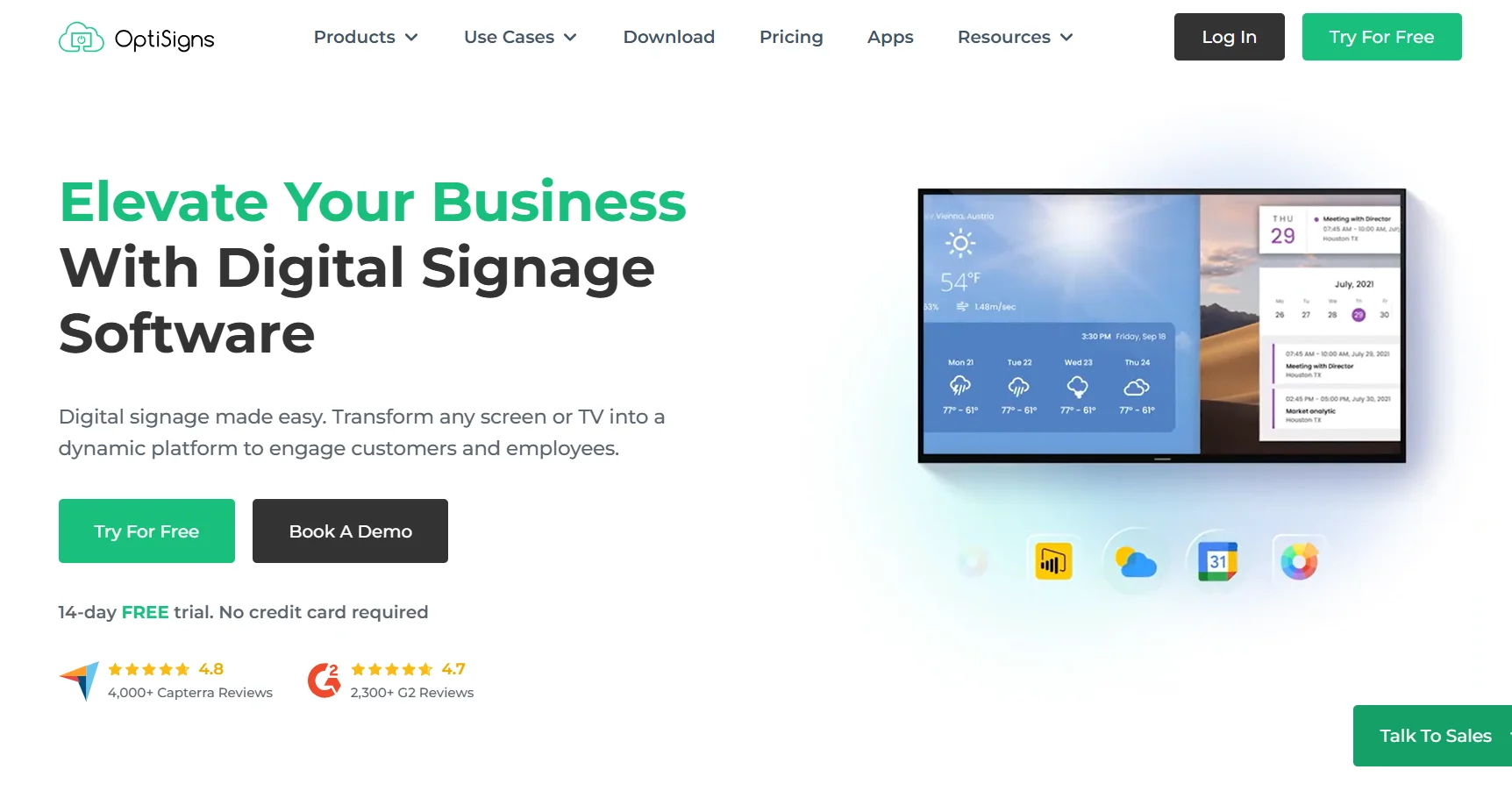 The value pick in commercial signage, with wide device support and a long app library. Usually cheaper per screen than the enterprise tools.
10. TelemetryTV
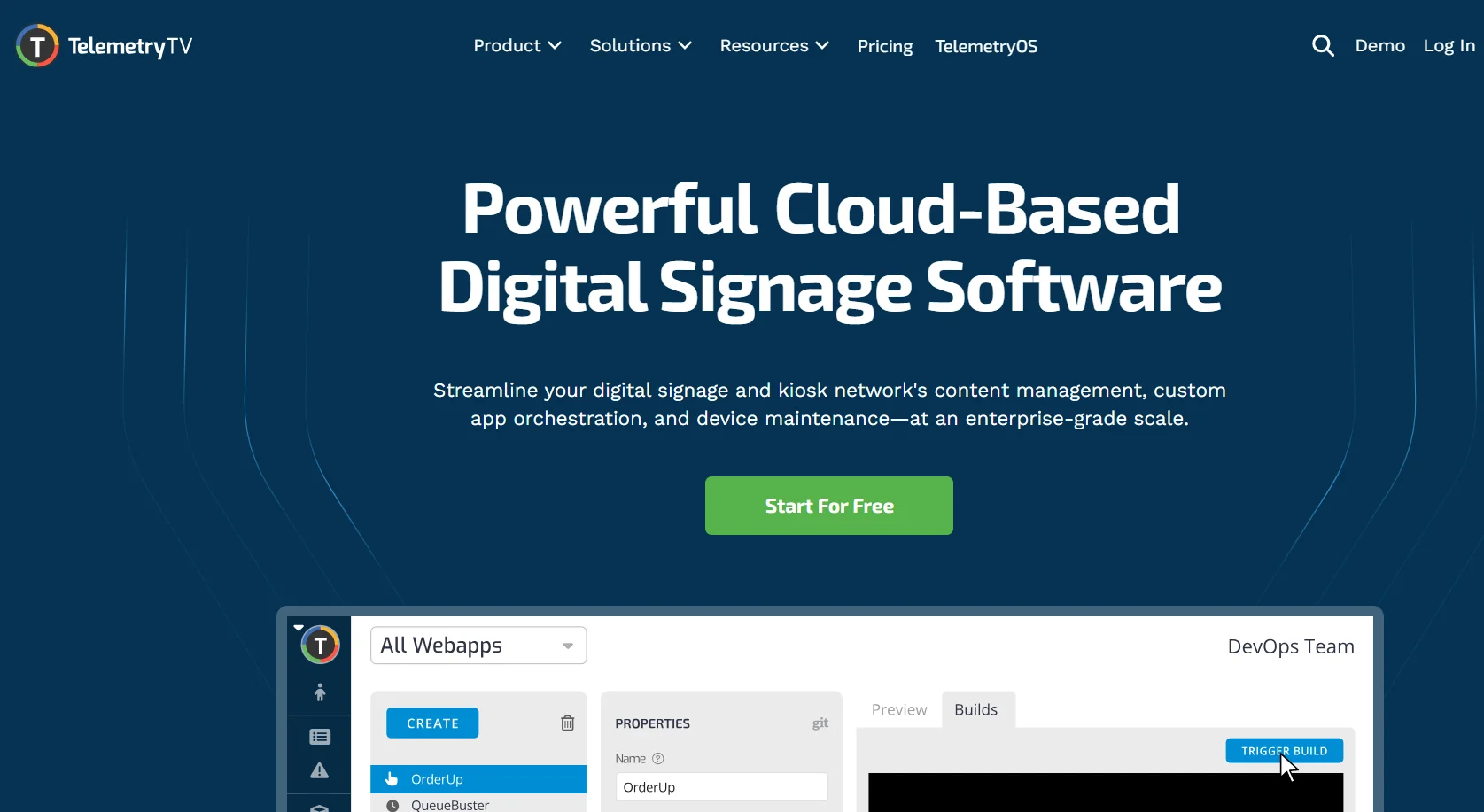 The heaviest option here, and the one AlternativeTo ranks first. Built for organisations running many screens across sites, with the management and permissions to match. Overkill for anything small.
I have not quoted prices for these five. Signage vendors change per-screen rates and bundle limits often, and I would rather send you to their pricing pages than publish a number that expires.
DAKboard Changed, and Most Lists Have Not Caught Up
If you are reading comparisons written before 2026, one of their main arguments no longer holds.
DAKboard added a TouchHub interface with a family chores manager. Each family member gets their own chore area, tasks are completed with a tap, points can be earned toward rewards, and a leaderboard shows progress. There is also a child lock so younger users cannot change anything else.
Built-in chores was for years the clearest reason I saw people choose Skylight over DAKboard. That gap has closed, and half the published comparisons are arguing from a version of DAKboard that no longer exists.
DAKboard has also been pushing into business use, with role-based staff permissions so, for example, an activities coordinator can edit the day's schedule without touching billing or other screens.
What I Could Not Verify
Two claims come up repeatedly and I could not confirm either from DAKboard directly.
The first is that DAKboard requires you to make your Apple Calendar public. That comes from Mango Display, which competes with DAKboard, and if it matters to you I would test it during the 30 day trial rather than take anyone's word.
The second is a reported need for periodic reboots due to Wi-Fi drops. That appears in one review based on a personal setup, and it is the kind of thing that depends heavily on your hardware.
How I Would Choose
You want a family calendar and you do not want to configure anything. Skylight or Hearth. Buy the screen, accept the limits.
You want DAKboard's flexibility without a Raspberry Pi. Mango Display, on a TV stick you already own.
You enjoy tinkering and want to pay nothing. MagicMirror.
You want one beautiful custom screen and you are willing to learn the editor. Stay on DAKboard. Nothing else gives you that much control per pixel, or that many smart home and dashboard integrations.
You are running screens in a business. Yodeck or OptiSigns for most, ScreenCloud for internal comms, Xibo if you want to self-host, TelemetryTV at real scale.
You are running more than five screens. Model the per-screen cost across all of them before anything else. It is the number that decides this, and the same discipline applies to any subscription tool, which is the point I made in our guide on how to choose software when the sticker price is per unit.
Answers, Briefly
What is the best DAKboard alternative?
Mango Display for home use without a Raspberry Pi, Skylight if you want dedicated hardware, Yodeck or OptiSigns for business signage. There is no single answer because DAKboard serves two different markets.
Is there a free DAKboard alternative?
Yes. MagicMirror is free and open source, Xibo can be self-hosted for free, and Mango Display has a free plan for two screens. DAKboard itself also has a permanent free tier.
Does DAKboard really have a 30 minute delay?
Only on the Essential plan. Free refreshes hourly, Essential every 30 minutes, Plus every 15 and Pro every 10, with an instant refresh option on Plus.
How much does DAKboard cost?
Essential starts around $5 per screen per month billed annually with two screens included. Plus starts around $8 per screen with three included. Both have a 30 day trial with no card required.
Do I need a Raspberry Pi for DAKboard?
No. You can run it on a Raspberry Pi, but DAKboard sells its own wall displays and CPU, and it runs in a browser on most devices.
Which DAKboard alternative has chores and rewards?
Skylight, Hearth and Mango Display all do. So does DAKboard now, through TouchHub, which is the change that dates most older comparisons.
What is the best DAKboard alternative for business?
Yodeck or OptiSigns for most small businesses, ScreenCloud for internal communications, TelemetryTV for larger multi-site deployments.
Can I use a TV instead of a dedicated display?
Yes. Mango Display installs directly on Fire TV, Samsung, LG and Android TV. DAKboard runs on anything with a browser or an HDMI input.
Is DAKboard still worth it in 2026?
For a single highly customised screen, it is still the most flexible option available. The case against it has weakened since chores arrived.
Before You Buy Any Hardware
One practical point to finish on, because it is the expensive mistake in this category.
I would pick the software before buying the screen.
Skylight and Hearth sell you a display that only runs their software, so choosing the hardware chooses the platform permanently. DAKboard, Mango Display, MagicMirror and every signage tool here run on hardware you may already own, including a spare monitor, an old tablet, a Fire TV Stick or a Raspberry Pi.
If you are not certain yet, I would start on something you already own. Run DAKboard's free tier and Mango's free plan side by side on the same TV for a week, then buy the mount and the screen once you know which one you will still be using in six months.
Pricing and refresh rates in this article come from DAKboard's own pricing page and support answers, plus Mango Display's published rates, checked in September 2026. Signage vendor pricing changes frequently, so confirm before buying.