

Before you cancel anything, export your Quicken data tonight.
Open Quicken, go to File, then Export, choose QIF, select all accounts and all dates, and save the file somewhere you will find it again. It takes about two minutes.
I would do it now rather than later for a simple reason. I have seen it reported that Quicken's export sits behind the subscription, and that people only find out after it lapses. Whether or not that is true for your version, it is not a risk worth taking with years of records.
I am starting there because that one file decides which Quicken alternatives you can realistically move to. Some of the apps below can read it. Some cannot, and will only take a CSV of recent transactions. If you have fifteen years of history in Quicken, that difference matters far more than any feature comparison.
So I built this guide to do two jobs. It covers the 13 best alternatives to Quicken that 2026 has to offer, split by where your data ends up living, and answers the question I kept seeing, which is simply what can I use instead of Quicken. And it covers the part most people discover halfway through switching, which is what gets lost on the way.
If you only want the short answer, here are my picks:
Best overall for households: Monarch Money
Best free for investments: Empower
Best free for budgeting: Actual Budget
Best desktop program you buy once: Moneydance
Best for Mac: Banktivity
Best for changing your habits: YNAB
Best cheap Quicken-style register: CountAbout
Why People Leave Quicken, and Why Price Alone Is a Risky Reason
Most people I have seen looking for a Quicken replacement have one of four complaints: the subscription, the renewal price, a weak mobile app, or a platform problem such as wanting something on Linux.
The renewal price is the one I think stings most, because it arrives a year after you signed up. It is also the usual answer to why people ask whether Quicken is still worth it.
Quicken Classic Deluxe is sold at around $35.88 for the first year and renews at around $59.88. That is a jump of about 67 percent. Simplifi's regular price sits roughly 75 percent above its first-year rate. The promotional rate applies to the first year only, and the plan then renews automatically at whatever the standard rate is at that point.
Here is the part I did not expect when I added it up. Even after that jump, Quicken Classic Deluxe is still one of the cheaper options over three years.
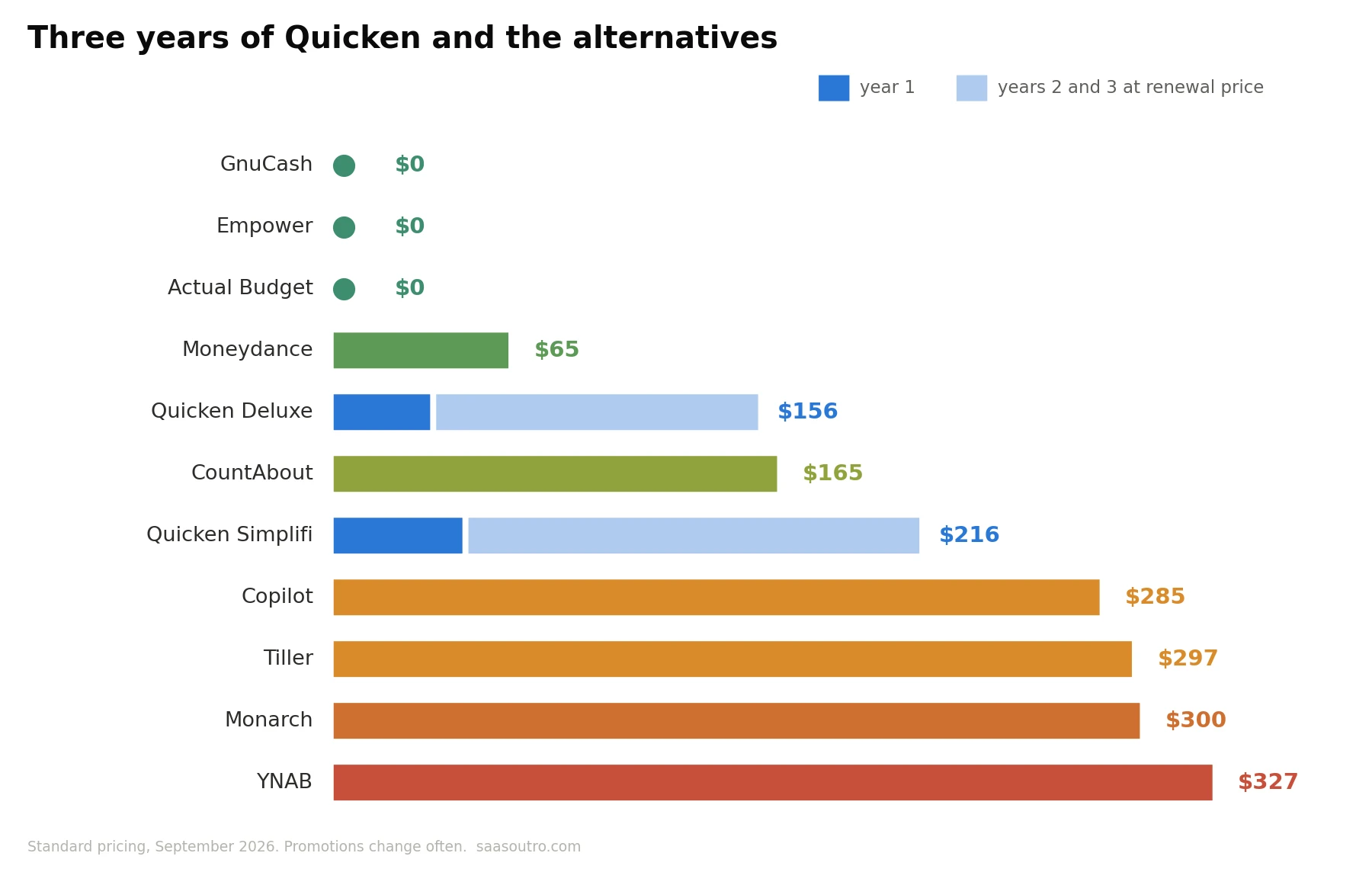 Monarch Money and YNAB both cost well over $100 a year every year. Over three years they come out at roughly twice what Deluxe costs, even with Quicken's renewal increase included.
So if price is your only reason for leaving, most of the popular apps will cost you more, not less. The only alternatives that genuinely save money are the free ones and the one-time purchase desktop programs.
That does not mean you should stay. Monarch and YNAB include household sharing and far better phone apps than Quicken does. But I would be honest with yourself about what you are actually paying to fix before you switch from Quicken.
The prices in this article come from vendor pricing pages and recent published comparisons, checked in September 2026. Promotional rates change often, so treat every figure as a guide and confirm the number at checkout.
Simplifi Is Not Really a Quicken Alternative
Almost every list of Quicken alternatives includes Quicken Simplifi, and I understand why. It is modern, cloud based and mobile first, which is everything Quicken Classic is not.
But Simplifi is made by Quicken. Choosing it is changing products inside the same company, not leaving.
That matters for two reasons. You are still inside the same pricing habits: Simplifi's regular price is now $6.99 a month billed annually, or $83.88 a year, with a first-year rate around $47.88. It is billed annually only, and its regular price is higher than Classic Deluxe's. And it is US only, while Classic also works in Canada.
One small correction worth making, since I have seen it repeated. Quicken is not an Intuit product any more. Intuit sold Quicken in 2016. Intuit makes QuickBooks, TurboTax and Credit Karma, which is where Mint users were pushed when Mint shut down in 2024.
If Simplifi suits you, it is a perfectly good app. I just do not count it as a real alternative to Quicken, so it is not in the numbered list below.
Quicken Alternatives That Keep Your Data on Your Computer
These are the closest thing to software like Quicken Classic, and the programs like Quicken that long-time desktop users tend to prefer. You install them, your data sits in a file you own, and nothing forces you into a browser. If you want a Quicken alternative without subscription fees, this is where I would look first.
1. Moneydance
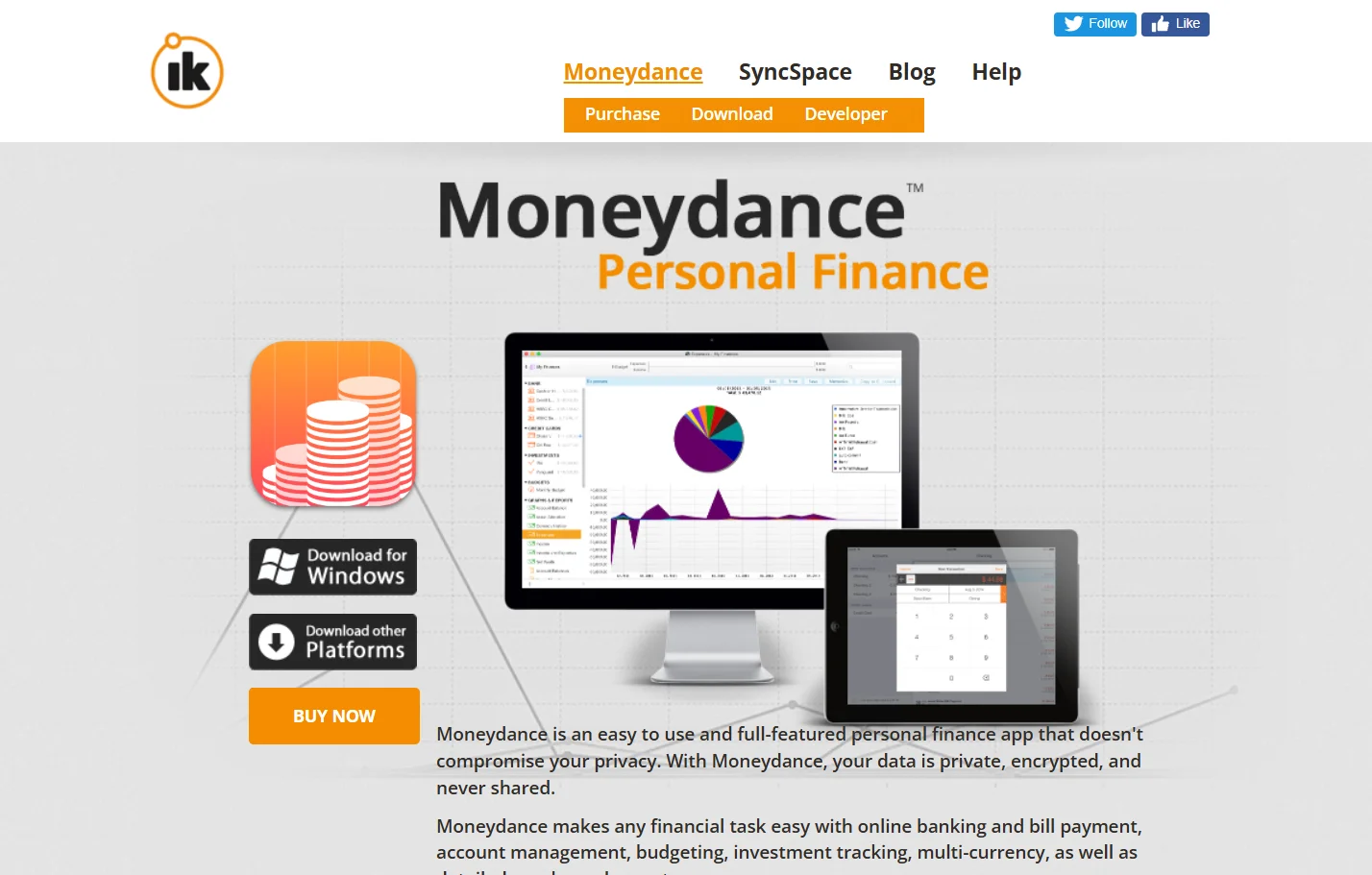 Moneydance is the one I would try first if you want a desktop Quicken replacement that runs everywhere. It works on Windows, Mac and Linux, which almost nothing else in this list does.
It imports Quicken data through QIF, and its own documentation recommends exporting everything from Quicken into a single QIF file rather than several, which makes the import smoother. It also handles investments, multiple currencies, reconciliation and manual transaction entry, which is what I would expect from real personal finance software.
It is sold as a one-time licence at about $65 for US buyers, with no subscription. One older comparison suggested that may be changing, so I would glance at the checkout page before buying.
The trade-off is the interface. It is functional rather than pretty.
2. Moneyspire
 Moneyspire is the easiest program on this list to price. A new licence is $59.99, and it has shown that as a discount from $99.99 for so long that $59.99 is effectively the real price.
The catch is what that price includes. You get one year of cloud sync, one year of bank downloads and one year of stock quotes. After that, those parts renew. So it is a one-time purchase for the software and a subscription for the connected features.
If you are happy entering or importing transactions yourself, that distinction barely matters.
3. Banktivity
 Banktivity is the polished one, and it is only for Mac and iPhone. If you live entirely in the Apple world, it feels much more at home than Quicken for Mac does.
It imports QIF, QFX, OFX and QMTF files, which is the widest set of import formats here. It is subscription priced rather than buy once, so it does not solve the subscription complaint.
Worth knowing before you commit: it can be awkward to leave later. When it exports to QIF, accounts in different currencies come out as separate files, and some of its investment actions are written in a way other programs do not always recognise.
4. GnuCash
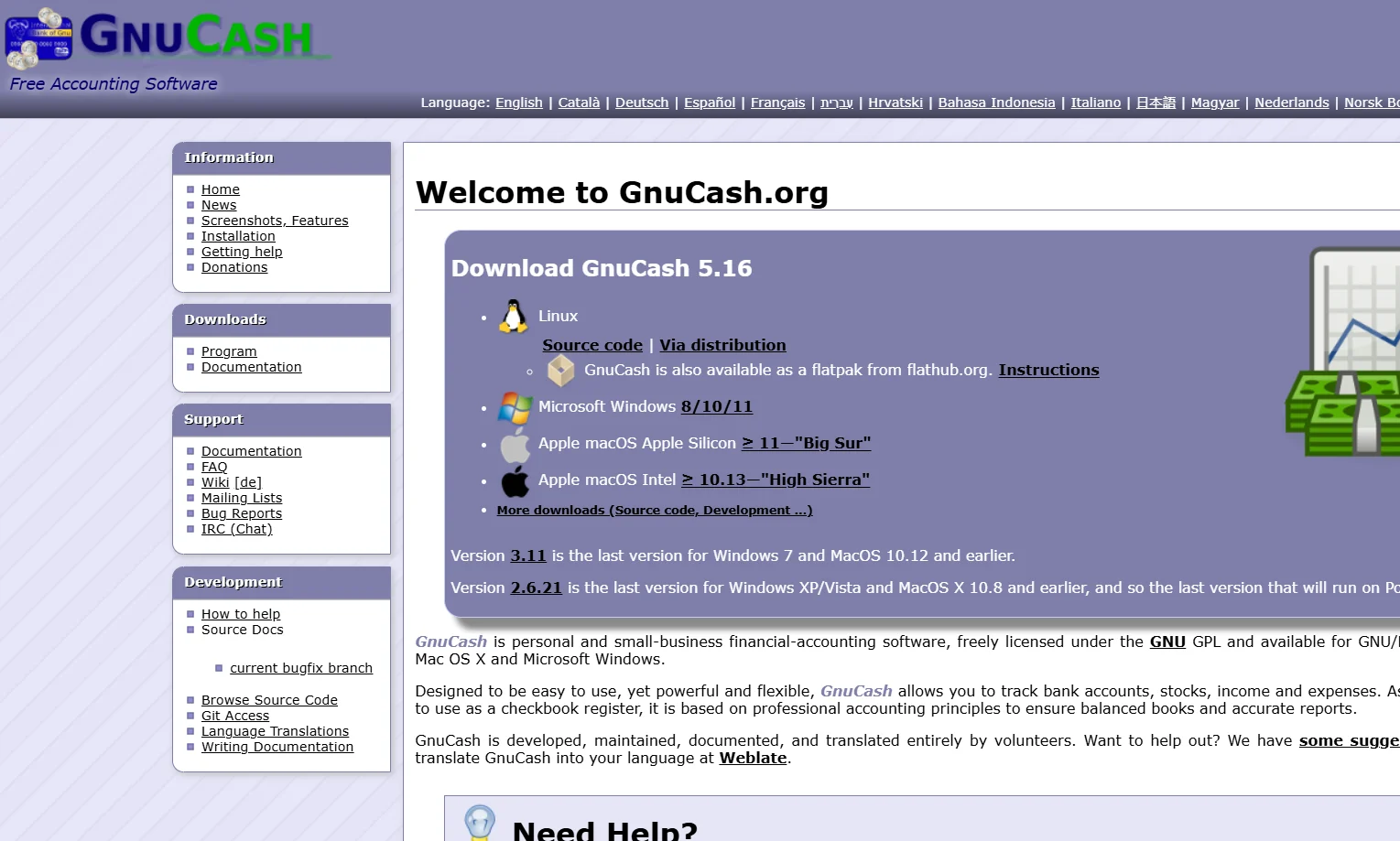 GnuCash is the best free Quicken alternative if you are willing to learn a little accounting. It is open source, runs on Windows, Mac and Linux, and reads QIF files.
Of the free Quicken alternatives, it is the most complete. Underneath, it uses proper double entry bookkeeping. That makes it more capable than anything else here for detailed records, and it is also why many people give up on it inside a week. The interface was clearly built by people who think like accountants.
If the phrase double entry appeals to you, GnuCash does more than the paid options for nothing. If it does not, skip it.
5. Actual Budget
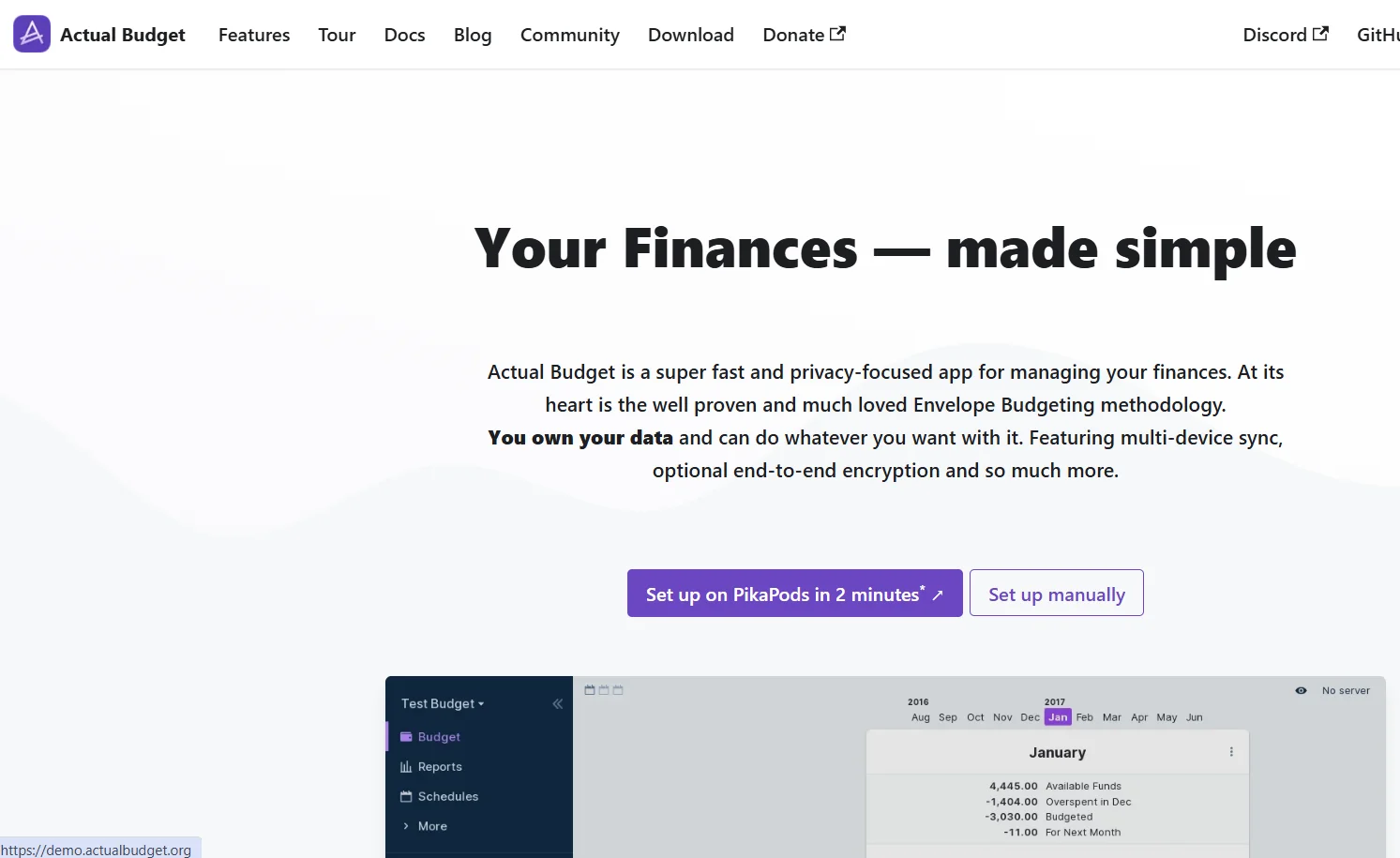 Actual Budget is the free Quicken alternative I would point budget-focused users at. It is open source, local first, and your budget lives in a file you control.
You can host it yourself for nothing, or pay about $3 a month for someone else to run it. It uses envelope-style budgeting, much like YNAB, without YNAB's price.
The trade-offs are real. Investments are basic tracking accounts only, and you bring your own bank connection. If you mostly used Quicken to budget, that will not bother you. If you used it for your portfolio, it will.
Quicken Alternatives That Live in the Cloud
These give up the local file in exchange for good phone apps, automatic bank sync and sharing with a partner. They are the apps like Quicken that most newer users end up choosing, and most of them connect to your bank through Plaid or a similar aggregator, so read each privacy policy before linking accounts.
6. Monarch Money
 Monarch is the app I see recommended most for people leaving Quicken, and among the Quicken competitors it is the one I would put first for households. Couples and families can share one budget, and the design is clean.
Monarch Core is $99.99 a year or $14.99 a month. Monarch Plus, aimed at people tracking investments or side income, is $199 a year. There is a 7-day free trial, and promotional codes are common.
It runs on the web, iPhone and Android in the US and Canada. Importing Quicken history is done by CSV on the web, not by opening your Quicken file, and the details of that import deserve care. I cover them in the data section below.
7. YNAB
 YNAB, short for You Need A Budget, is not trying to be Quicken. It is a method as much as an app. You give every dollar a job before you spend it, which is zero-based budgeting.
It works a little like envelope budgeting done digitally. It costs $14.99 a month or $109 a year, which makes it one of the most expensive budgeting apps available, and I would only pay that if the method clicks for you. It also has the longest free trial here at 34 days.
The limitation is investments. YNAB is about the money you spend, not your portfolio, so if investment tracking is why you used Quicken, it will feel like a step backwards.
8. Empower Personal Dashboard
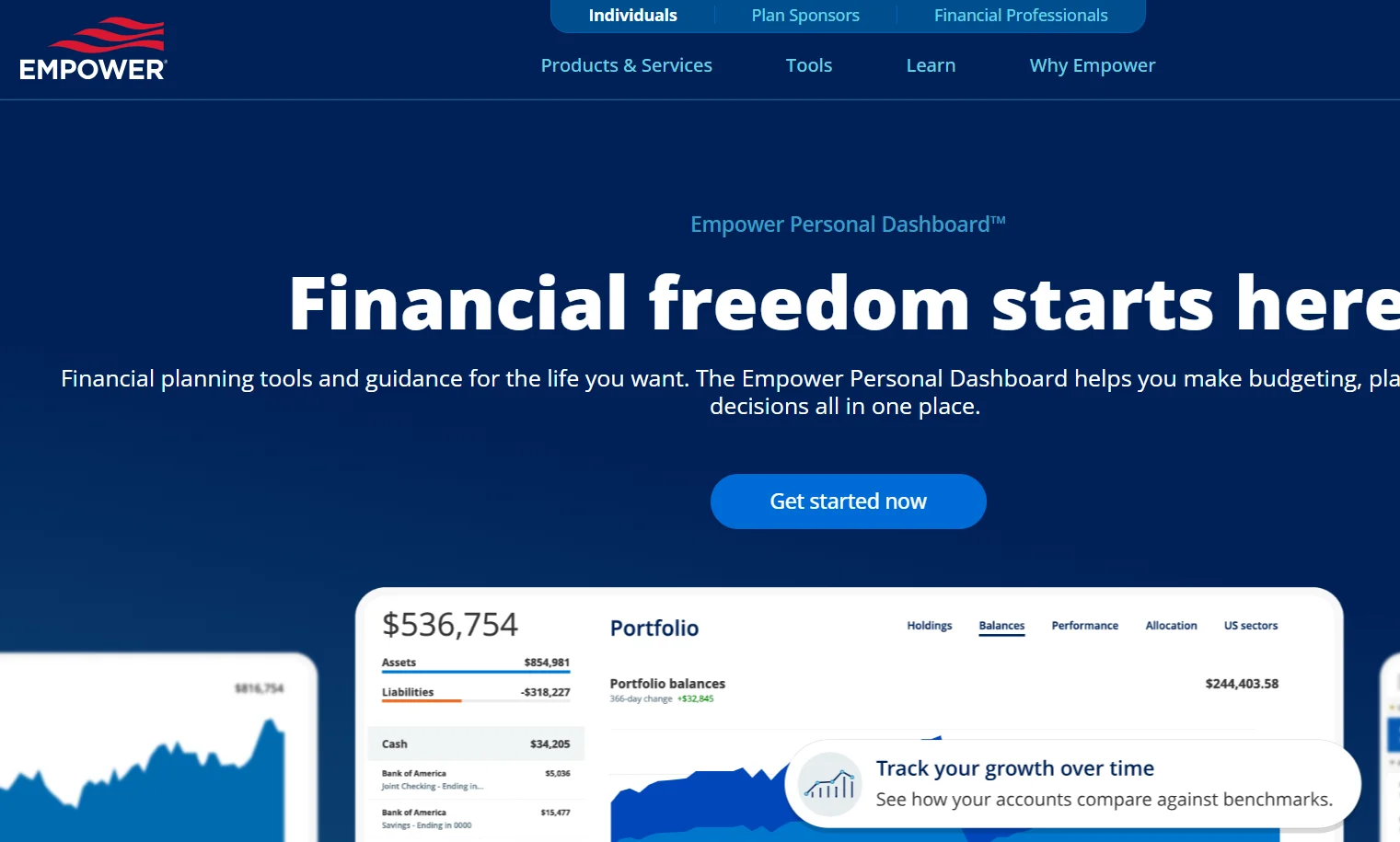 Empower is the best free Quicken alternative for investment tracking. It pulls in your accounts and shows net worth, portfolio allocation and fees in one dashboard, at no cost.
It is free because Empower sells financial advice, and you should expect to hear from them about it. The budgeting side is basic. Think of it as a very good net worth tracker rather than a Quicken replacement for day-to-day spending.
9. Copilot Money
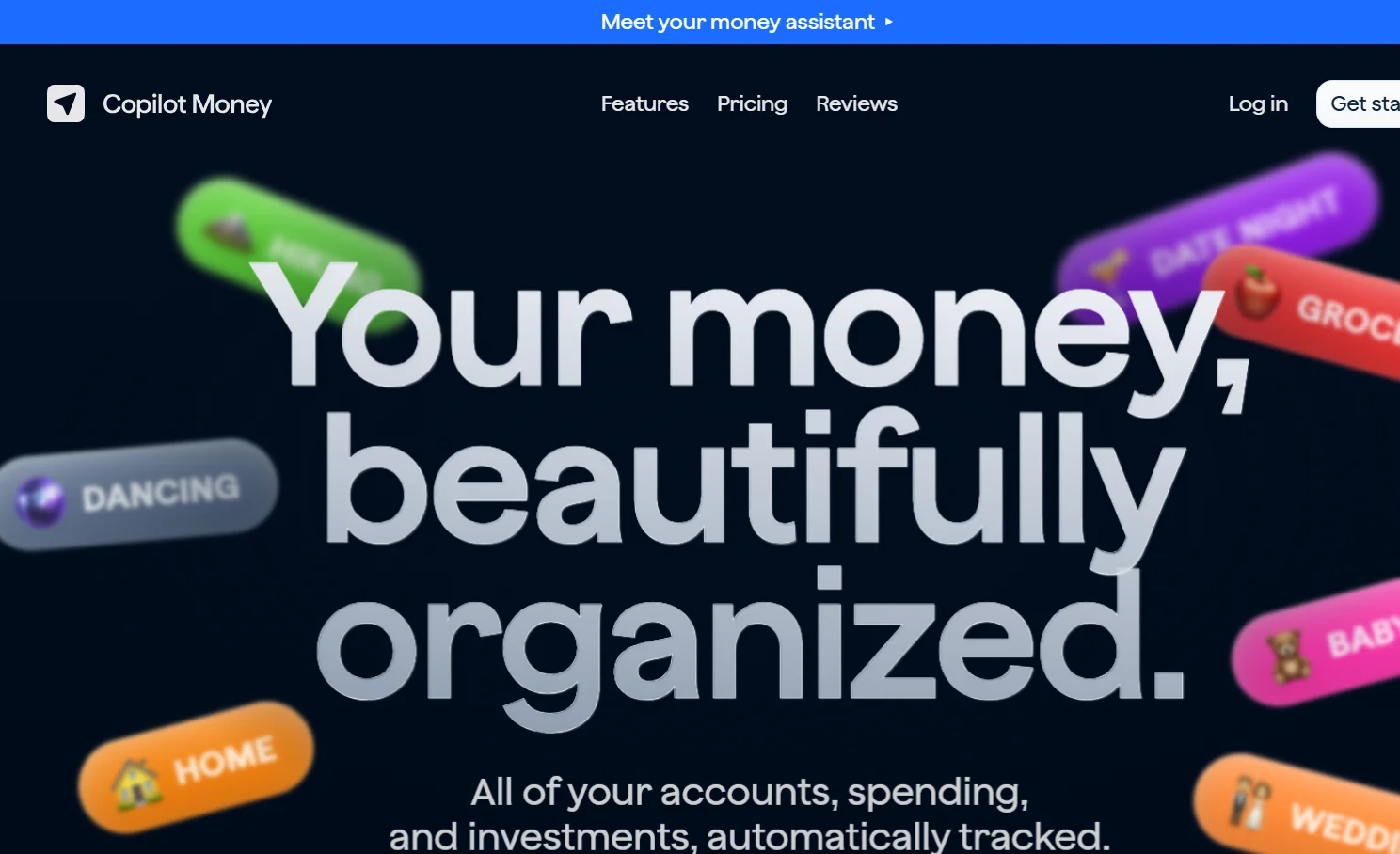 Copilot is built for Apple users and it is the best looking app here. It costs around $95 a year.
It is strongest at automatic categorisation, recurring transaction detection and expense tracking. As a budget tracker for one person on an iPhone, I find it hard to beat. If you are on Android or Windows, it is not for you.
10. Rocket Money
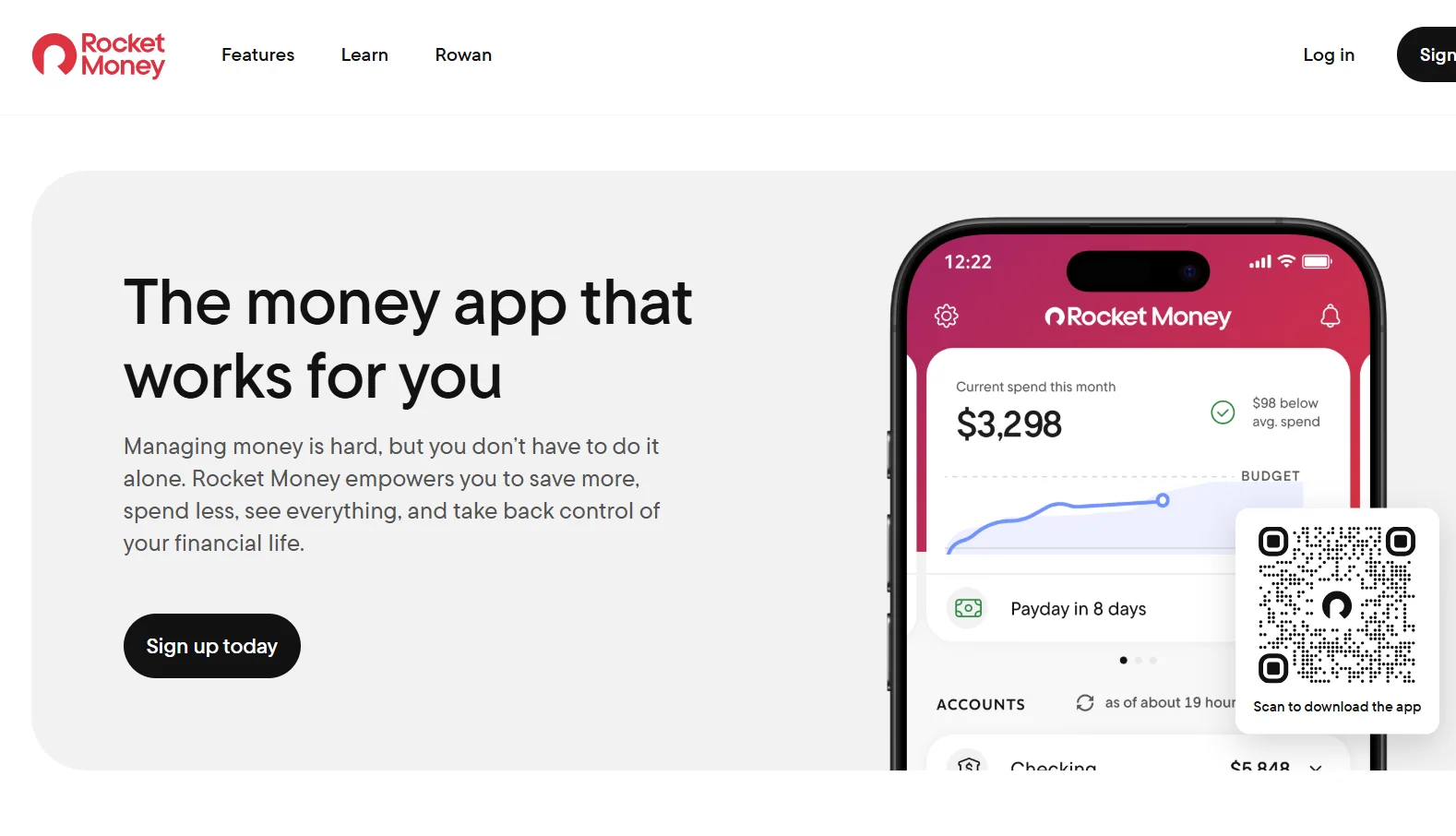 Rocket Money is best known for finding and cancelling subscriptions you forgot about, and for that job it is very good. It also tracks spending, lets you set rules for categorising future transactions, and alerts you to unusually large charges.
There is a free version, and the paid version runs roughly $7 to $14 a month. As a full Quicken replacement it is thin on investments and long-term records. As a way to stop paying for things you do not use, it may pay for itself.
11. PocketSmith
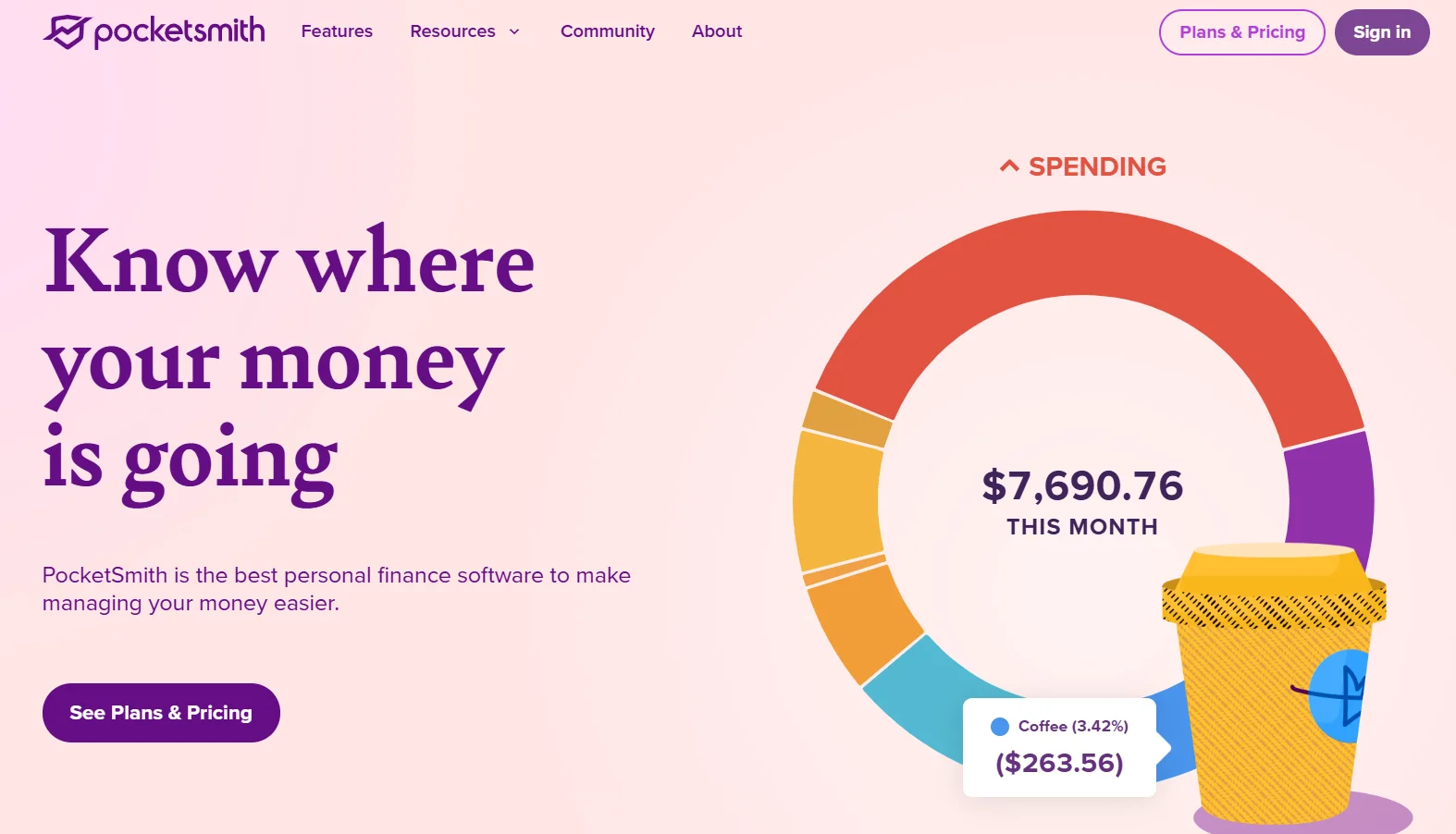 PocketSmith is the pick if you care about the future more than the past. Its strength is cash flow forecasting, projecting your balances months or years ahead based on your scheduled income and bills.
Quicken has some forecasting, but nothing this central. If you plan around large irregular expenses, I would give it a trial, because it is closer to financial planning than to money management after the fact.
12. Tiller Money
 Tiller is the odd one out. It feeds your bank transactions into a Google Sheets or Excel spreadsheet every day, and you build whatever you want on top.
If you have ever exported Quicken reports into a spreadsheet to do the real analysis, Tiller cuts out the middle step. It costs $99 a year after a 30-day trial. If spreadsheets make you tired, look elsewhere.
13. CountAbout
 CountAbout is the cloud app that feels most like Quicken, because it keeps a transaction register rather than hiding everything behind charts. Long-time Quicken users tend to find it familiar straight away, and it documents importing from both Quicken files and QIF, which is more than most cloud apps offer.
It is also cheap. Basic is $19.99 a year and Premium is $54.99 a year, after a 45-day trial that needs no card. Premium adds automatic bank downloads and investment balance tracking. Invoicing is an extra $10 a year and attachments another $15.
All 13 Side by Side
The column I would look at hardest is the third one. Cloud apps keep your history only while you keep paying. Desktop apps leave it on your computer either way.
App | Price | Where your data lives | Investments | Platforms |
|---|---|---|---|---|
Moneydance | About $65 once | Your computer | Strong | Windows, Mac, Linux |
Moneyspire | $59.99, bank sync renews | Your computer | Yes | Desktop |
Banktivity | Subscription | Your computer | Yes | Mac, iPhone |
GnuCash | Free | Your computer | Detailed | Windows, Mac, Linux |
Actual Budget | Free, or about $3/mo hosted | Your computer or server | Basic | Web, self-hosted |
Monarch Money | $99.99/yr, Plus $199/yr | Monarch's cloud | Yes, deeper on Plus | Web, iOS, Android |
YNAB | $109/yr | YNAB's cloud | Tracking only | Web, iOS, Android |
Empower | Free | Empower's cloud | Strong | Web, iOS, Android |
Copilot Money | About $95/yr | Copilot's cloud | Yes | Apple devices |
Rocket Money | Free, or $7 to $14/mo | Rocket Money's cloud | Basic | Web, iOS, Android |
PocketSmith | Tiered subscription | PocketSmith's cloud | Basic | Web, mobile |
Tiller Money | $99/yr | Your spreadsheet | What you build | Google Sheets, Excel |
CountAbout | $19.99 to $54.99/yr | CountAbout's cloud | Balances on Premium | Web |
What Breaks When You Move Your Quicken Data
This is the section I would read twice before switching, because it is where most of the pain is.
No alternative opens your Quicken data file directly. You move your history by exporting it, usually as QIF for desktop programs or CSV for cloud apps. QIF is an old format and it does not carry everything across.
The clearest evidence comes from Quicken itself. Its own support pages list what goes wrong when QIF data moves between Quicken, Moneydance and Banktivity, and the list of known Moneydance import issues is a good picture of what to expect in any direction.
Here is what that and the related pages describe going wrong:
Opening balances. Sometimes they are not exported at all, which leaves every account balance wrong. When they are exported, the date can come through as 31 December 1969.
Stock splits. Not exported, or exported without saying whether they were normal or reverse splits. Every one has to be entered again by hand.
Short sales. Can arrive as the wrong transaction type, which throws off both share counts and cash balances.
Asset and liability accounts. Can arrive labelled as ordinary bank accounts.
Interest with no linked security. Can be dropped from the export entirely.
The pattern is simple. Everyday bank and credit card transactions usually move across fine. Investment history is where things break.
Cloud apps have their own version of the problem. Monarch imports CSV, and it offers two ways to do it. One option can replace existing transactions across the date range you import. The other can create duplicates. Neither is wrong, but picking the wrong one on your first try makes a mess.
So my advice is the same for every app on this list:
Keep your original Quicken data file and a backup, even after you switch.
Import a small test file first, a single account for a single year.
Check the balances against Quicken before importing anything else.
Expect to fix investment accounts by hand.
If your investment history really matters, the least painful route may be to stop migrating it at all. Start the new app from today's balances, and keep Quicken's old file as a read-only archive for anything before that.
The Best Quicken Alternative for Your Situation
Best Quicken alternative for Mac. Banktivity if you want polish and do not mind a subscription. Moneydance if you want to own the software and might ever move to Windows or Linux.
Best Quicken alternative for Windows. Moneydance for a desktop program, Monarch for a cloud app.
Best Quicken alternative with no subscription. GnuCash or Actual Budget, which are free, or Moneydance, which has long been sold as a one-time purchase. Moneyspire is one-time for the software but renews for bank sync.
Best Quicken alternative for investments. Empower for free portfolio tracking, Monarch Plus if you want budgeting and investments together.
Best Quicken alternative for budgeting. YNAB if you want to change your habits, Monarch if you want to see where the money goes without changing much.
Best Quicken alternative for couples. Monarch, clearly.
Best Quicken alternative for rental property and small business. Honestly, nothing here replaces Quicken Classic Business and Personal very well. If you have outgrown it, you probably need proper accounting software rather than another personal finance app. If you are weighing that up across several tools at once, our side-by-side software comparisons are a quicker way to line up pricing and features.
Best Quicken alternative that feels like Quicken. CountAbout, for its register.
What People Ask Before Switching
Is there anything better than Quicken, and what is the best alternative?
For most households, Monarch Money. For people who want to keep a desktop file, Moneydance. For people who want to pay nothing, Empower for investments or GnuCash for full records.
Are there free Quicken alternatives?
Yes. GnuCash is free and open source for full bookkeeping, Actual Budget is free for budgeting, and Empower Personal Dashboard is free for net worth and investment tracking. None of them is a perfect like-for-like replacement.
Is there a Quicken alternative without subscription pricing?
GnuCash and Actual Budget cost nothing, and Moneydance is a one-time licence at about $65. Moneyspire is a one-time purchase for the software, with bank sync renewing after the first year.
Can I move my Quicken data to another app?
Yes, by exporting it. Desktop programs such as Moneydance, Banktivity and GnuCash read QIF files. Cloud apps such as Monarch take CSV. Everyday transactions usually transfer well, while investment history often needs fixing by hand.
Can I import Quicken data into Monarch?
Yes, as a CSV file through Monarch's web app. Test with a small file first, because one import option can replace existing transactions and the other can create duplicates.
Why did my Quicken renewal price go up?
Quicken's first-year price is a promotion. The plan then renews automatically at the standard rate, which is about 67 percent higher on Classic Deluxe and roughly 75 percent higher on Simplifi.
Quicken vs Monarch Money: is Monarch better than Quicken?
For households, sharing and mobile use, yes. For desktop investment tracking and rental property records, Quicken Classic is still stronger. Monarch also costs more over three years.
Quicken vs YNAB: is YNAB better than Quicken?
For hands-on budgeting, yes. For investments and long-term records, no. YNAB is a budgeting method, not a full personal finance program.
What replaced Mint?
Mint shut down in 2024 and its users were pointed to Credit Karma. Many moved to Monarch Money, Quicken Simplifi or Empower instead.
Does Quicken work on Mac and Windows?
Yes. Quicken Classic runs on both, though some features differ slightly between them. It stores your data locally rather than in the cloud.
The Cheapest Way Out Might Be Staying
I want to finish with the option I rarely see mentioned, because for some readers it is the right one.
If your complaint is the renewal price rather than the software, you may not need a Quicken alternative at all. Two things change the maths.
First, turn off auto-renewal straight after you subscribe, from My Account on quicken.com. That forces a decision each year instead of an automatic charge at the full rate.
Second, retailers such as Costco, Sam's Club and Newegg regularly sell Quicken subscription key cards below Quicken's own renewal price. Newegg has run Classic Deluxe codes for around $37, close to the first-year promotional price.
Combine the two and Quicken Classic can cost you roughly the promotional rate every year. At that price it undercuts almost every paid alternative in this article. Only the one-time desktop programs and the very cheapest plans, such as CountAbout Basic, come in lower.
If what bothers you is the mobile app, the design or the subscription itself, I would switch. If it is only the number on the renewal email, a key card and a switched-off toggle might fix it in five minutes.