

The best SurveyMonkey alternatives in 2026 are Google Forms if you want free, Jotform for small businesses that need forms and surveys in one place, Typeform for surveys people actually enjoy filling in, and Alchemer for the most responses per dollar. For serious market or academic research, look at Qualtrics or QuestionPro. If you want to own your data, LimeSurvey is open source and can run on your own server.
That is the short version. The rest of this guide shows you the numbers behind it.
Here is the number that sent me looking at SurveyMonkey alternatives in the first place: $0.15.
That is what SurveyMonkey charges for every response over your plan's limit. It sounds small. But if a survey goes well and you get 5,000 extra replies, that is $750 you did not plan for.
And that is only one of the costs. So I went through the pricing page, plan table and help docs of ten survey tools on October 21, 2026, and priced the exact same job on each one.
Then I went further. I signed up for the free plans of Jotform, Typeform, Zoho Survey, SurveySparrow and QuestionPro, and tried to build the same 8-question customer feedback survey in every one.
Not a list of logos. A real answer to "what will this cost me, and what do I actually get for free?"
Why People Look for SurveyMonkey Alternatives
Let me be fair first. SurveyMonkey is a good survey builder. It has 400+ survey templates, solid question types, and a name people trust when they see it in their inbox.
The problem is the pricing shape, not the product.
According to SurveyMonkey's own pricing page, here is what one person pays today:
Basic (free): 10 questions per survey, and only a limited number of responses you can view per survey. SurveyMonkey does not even show the exact number until you sign up.
Standard Monthly: $149 a month for 1,000 responses a month. This is the only plan you can pay month to month.
Advantage Annual: $39 a month, but billed as $468 up front, with 15,000 responses a year.
Premier Annual: $139 a month, billed as $1,668, with 40,000 responses a year.
Teams have it worse. Team plans start at 3 users, so the cheapest team plan (Team Advantage at $30 per user per month) costs at least $1,080 a year.
Then there is the extra $0.15 per response once you pass your limit. And branding on your surveys unless you buy the top tiers.
So people leave for three reasons. They want to pay monthly without a penalty. They want a real free plan. Or they need something SurveyMonkey does not do well, like conversational surveys or self-hosted data.
How I Ranked These SurveyMonkey Competitors
Most "best survey software" lists rank tools on feature counts. I think that misses the point.
A small business does not need 46 question types. It needs to know what it will pay when the survey actually works.
So I built one simple scenario and priced it on every tool:
One person, collecting about 500 responses a month (6,000 a year), with skip logic.
That is a normal load for a small business running customer feedback, a website poll and a quarterly employee survey. Then I picked the cheapest plan on each tool that could handle it.
I also checked four other things:
Free plan ceiling. How far can you get without paying anything?
Response limits. Are they per month, per year or per survey? This changes everything.
Logic on the cheapest paid plan. Conditional logic and survey branching should not cost extra.
Getting your data out. Survey exports, Google Sheets integration and CRM integrations.
Here is what the same 500 responses a month costs across the tools with public prices:
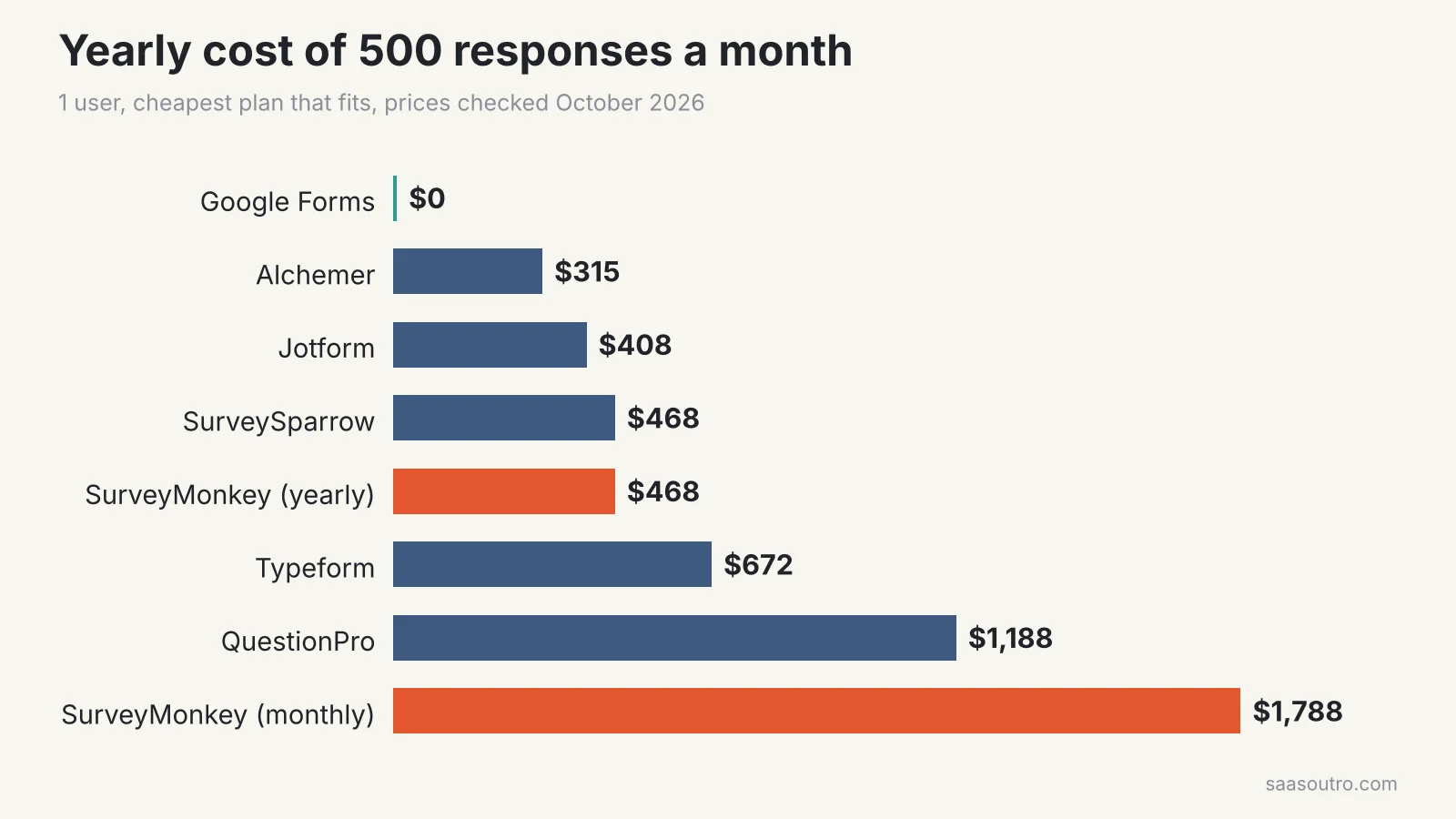 What one user pays per year to collect 500 responses a month on the cheapest plan that fits. Prices checked October 21, 2026.
Two things jumped out at me.
First, SurveyMonkey on a yearly plan is not the most expensive option. At $468 a year it sits right in the middle, level with SurveySparrow.
Second, SurveyMonkey on monthly billing is by far the most expensive. Paying month to month costs you almost four times more for the same job. If you are not ready to commit for a year, SurveyMonkey is the wrong tool.
What Happened When I Built the Same Survey in 5 Tools
Price is one half of the story. The other half is what the free plan lets you do before it asks for money.
So I wrote one test survey and built it on five free plans on October 21, 2026. It had 8 questions:
how did you hear about us (single choice)
product satisfaction (1 to 5 rating)
likely to recommend us (NPS, 0 to 10)
main reason for your score (open text)
have you contacted support (yes or no)
support rating (only shown if they said yes)
which features do you use (checkboxes)
anything else (open text)
That support question is the real test. It needs skip logic, which is exactly the kind of thing free plans like to hide.
Here is what I found:
What I checked | Jotform | Typeform | Zoho Survey | SurveySparrow | QuestionPro |
|---|---|---|---|---|---|
AI survey builder | Built all 8 right | Built all 8 right | Off by default | Draft got lost | Locked |
Skip logic on free | Yes | Yes | Locked | Trial only | Basic only |
NPS question on free | Yes | Yes | Yes | Yes | Locked |
Spreadsheet export on free | CSV, Excel | CSV, Excel | PDF only | Not tested | Paid feature |
Branding respondents see | Big bottom bar | Small badge | Logo and footer | Small badge | Not checked |
Two tools did everything I asked on the free plan: Jotform and Typeform. I pasted my question list into their AI builders, and both built all 8 questions in under half a minute. Then I asked for the skip logic in plain English, and both added it correctly.
The other three made me work for it, or asked me to pay. I explain what happened with each one in the reviews below.
The 10 Best SurveyMonkey Alternatives
1. Google Forms: Best Free SurveyMonkey Alternative
Price: Free with any Google account Free plan limit: No published response cap
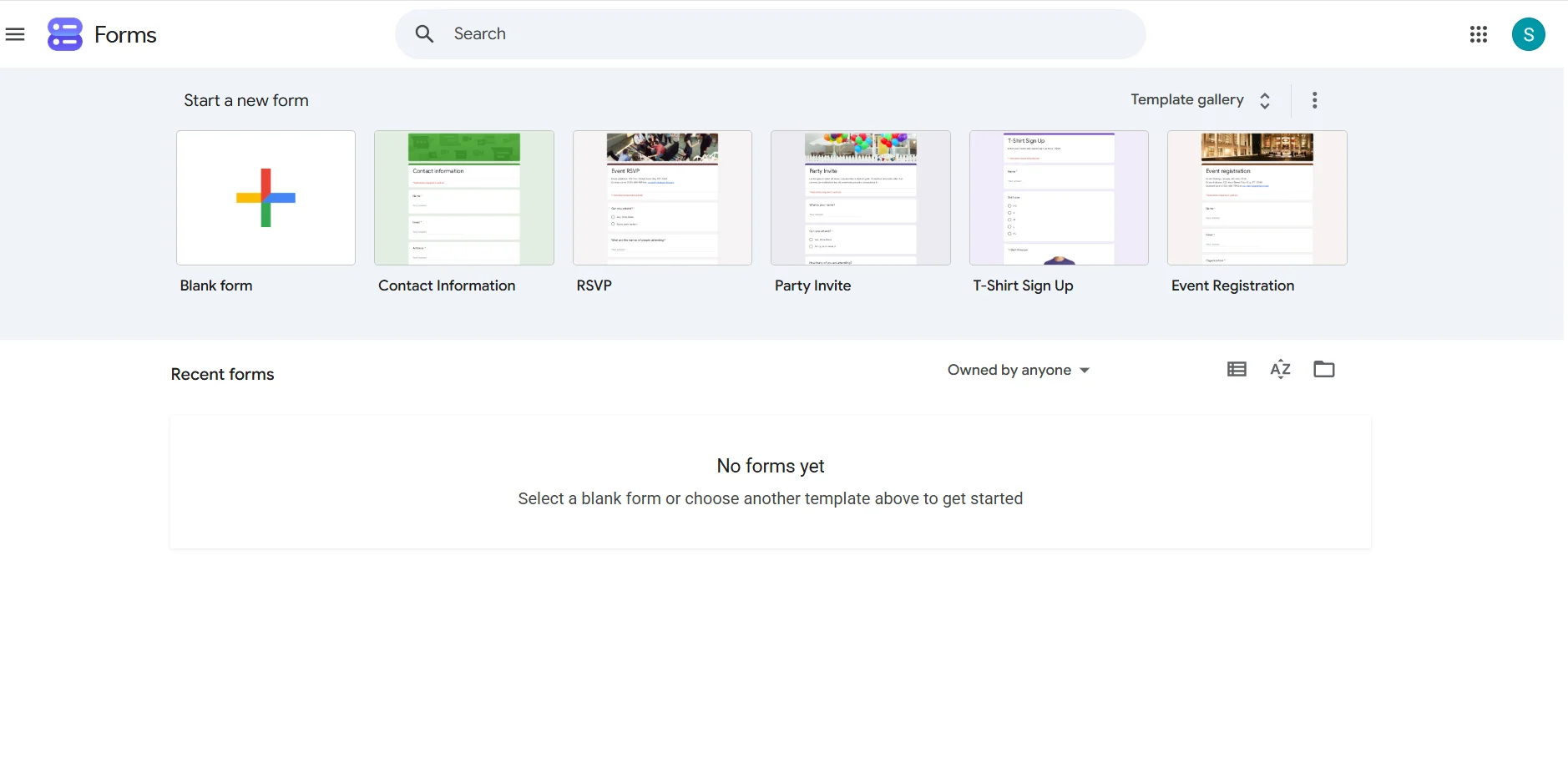 Google Forms is the answer for most people who just need to ask questions and get answers.
It is free. Google does not publish a response limit per form. And every response can go straight into Google Sheets, where you can sort, filter and chart it however you like.
You get the basics: multiple-choice questions, rating scale questions, grids, file uploads and branching through "go to section based on answer." It works fine on phones too.
What I like
Truly free, with no response wall to hit
Native Google Sheets integration
Anyone with a Gmail account already knows how to use it
What holds it back
Plain design with very little custom survey design
No built-in NPS or CSAT reports
Basic survey reporting. You do your own data analysis in Sheets
Verdict: If you are on SurveyMonkey's free plan today, switch to Google Forms. You lose nothing and lose the 10-question limit.
2. Jotform: Best for Small Businesses
Price: Bronze $34 a month billed yearly ($39 monthly) Free plan limit: 5 forms, 100 submissions a month
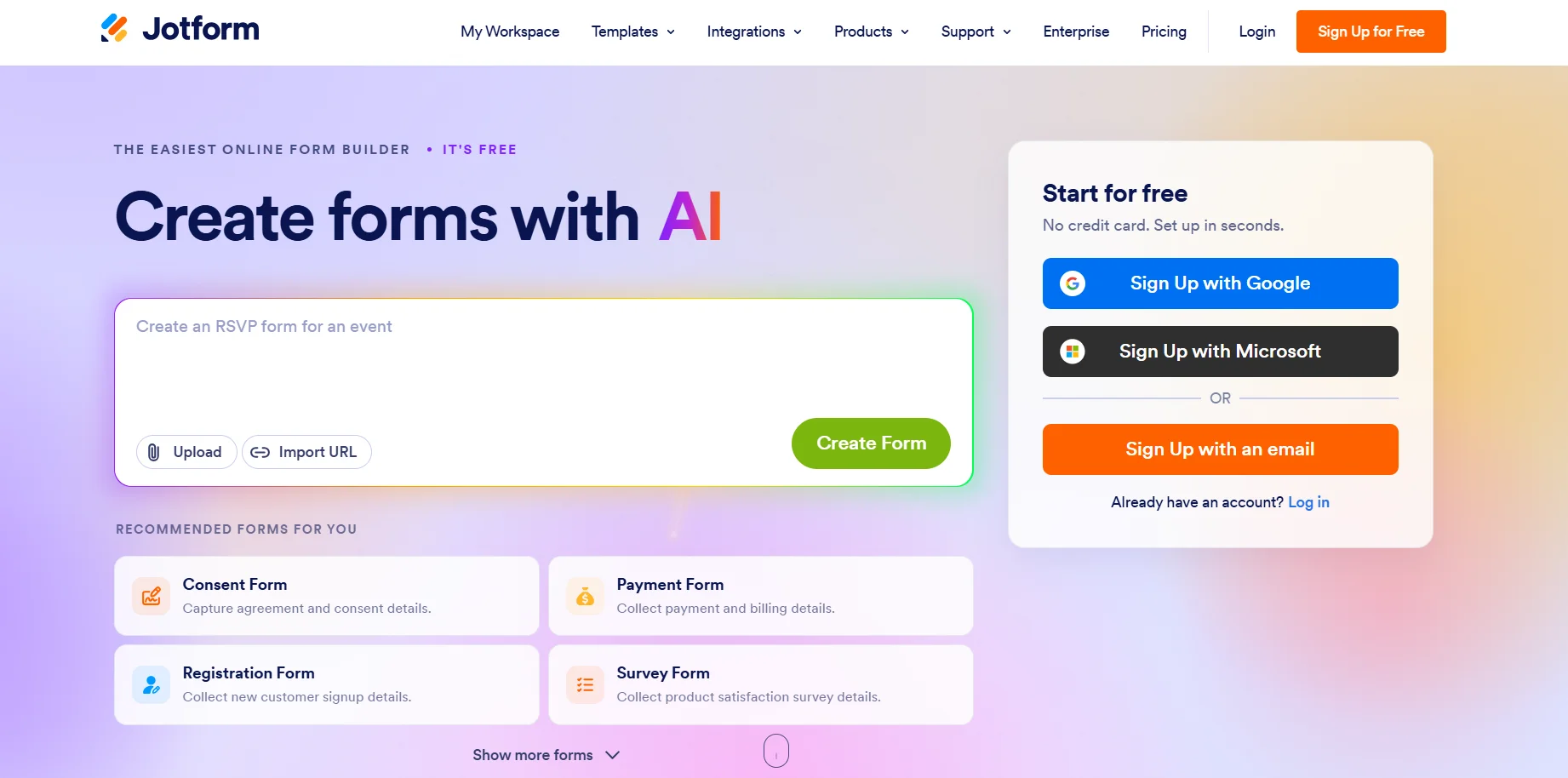 Jotform is a form builder first and a survey tool second. That is exactly why small businesses like it.
You can run a customer satisfaction survey, a booking form and an order form with payments all in one account. It has thousands of templates and 200+ integrations, including Google Sheets, Mailchimp, HubSpot and Salesforce.
The limits reset every month, which I prefer over SurveyMonkey's yearly pools. Bronze gives you 25 forms and 1,000 submissions a month, and removes the Jotform branding.
In my test: Jotform opens with a "describe your form" box. I pasted my 8 questions and it built every one correctly, including a proper 0 to 10 NPS scale and star ratings. I then typed "show the support rating only when they answer Yes" into its Copilot chat, and it set the condition on the free plan. On the live form the support question stayed hidden until I picked Yes. My test response landed in a spreadsheet view straight away, with CSV and Excel downloads free.
Two things I did not love. The free plan puts a large dark Jotform bar across the bottom of your survey. And on a wide screen the NPS "10" button wrapped onto a second line.
What I like
Skip logic works on the free plan, and the AI sets it up for you
Can take payments through Stripe, PayPal and Square
HIPAA-ready forms on the Gold plan ($99 a month billed yearly)
What holds it back
The free plan's 100 submissions a month goes fast
Survey reporting is basic next to research tools
Form count limits matter if you run lots of small surveys
Verdict: The best all-rounder for small businesses that collect more than just survey answers.
3. Typeform: Best for Surveys People Enjoy
Price: Basic $28 a month billed yearly ($39 monthly) Free plan limit: A small monthly response cap
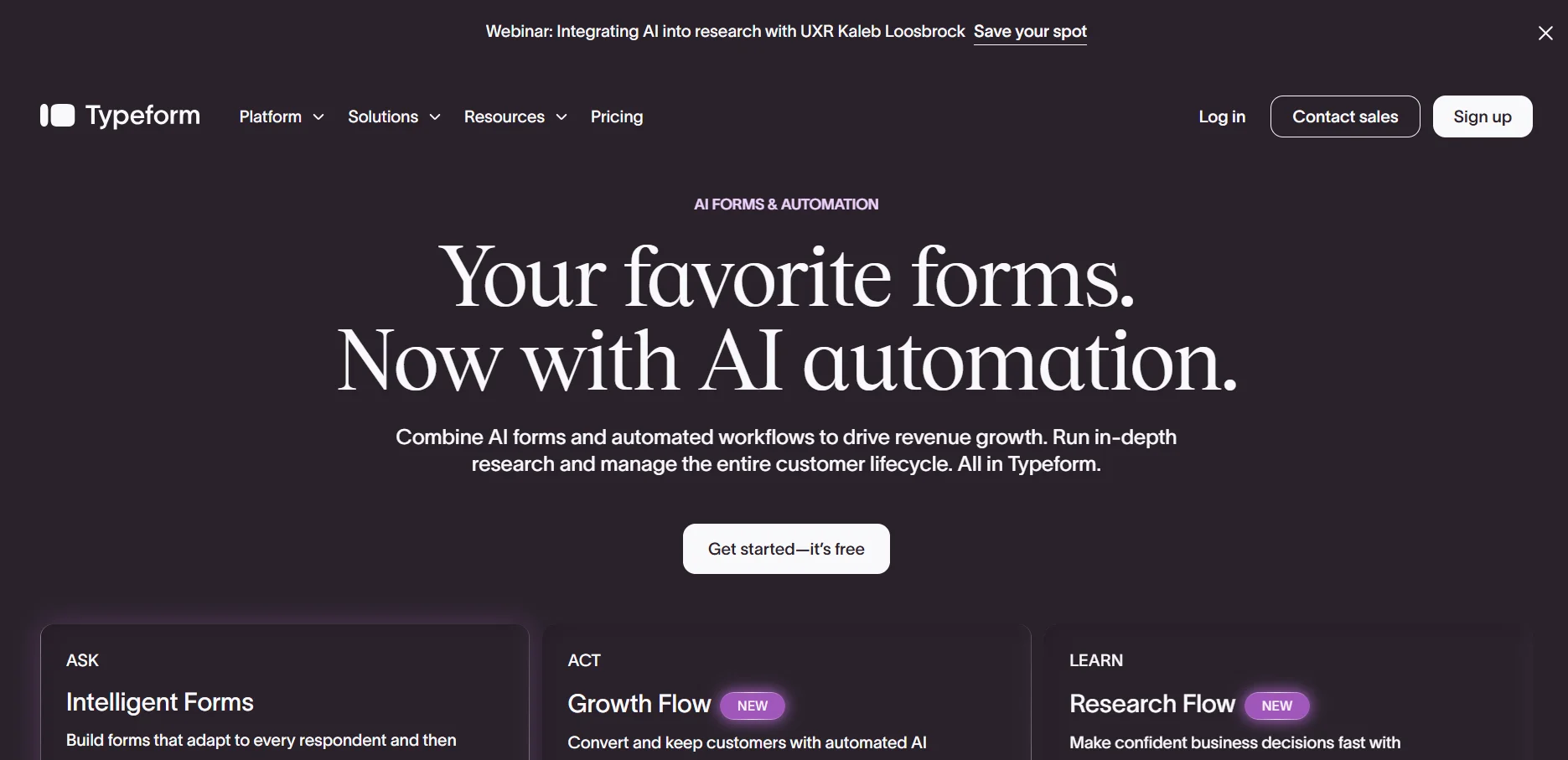 Typeform shows one question at a time. It feels more like a chat than a form, and that matters for response rates on long surveys.
It is my pick for brand-heavy work: lead generation forms, product feedback, onboarding quizzes. The design control is the best on this list.
The catch is volume. Basic gives you only 100 responses a month. For my 500-a-month test, you need Plus at $56 a month on yearly billing, which also removes Typeform branding and adds 3 users.
In my test: Typeform AI built all 8 questions from my pasted list in about 25 seconds. I asked it for the skip logic in one sentence and it added that too, on the free plan. As a respondent, it felt the nicest of the five: one question per screen, letter keys to answer, and a clean one-row NPS scale. Answering No skipped the support question, and the response exported to CSV or Excel for free.
A few rough edges. The AI never named my form, so respondents saw "New form" in their browser tab. On the yes or no question, the button said "Submit" even though three questions were left. And the default thank-you page on the free plan is a full Typeform ad. When I clicked to upgrade, the cheapest plan offered inside the app was Plus, not Basic.
What I like
Best-looking, mobile-friendly surveys here
Conditional logic and webhooks from the Basic plan
Strong integrations with HubSpot, Mailchimp, Slack and Google Sheets
What holds it back
Expensive per response once you scale
Response limits reset monthly, so a busy month can lock you out
Drop-off reports start on the Business plan
Verdict: Pay for Typeform when the experience of the survey is part of your brand. Skip it for high-volume research.
4. Alchemer: Best Value for Serious Survey Work
Price: Collaborator $315 a year per user ($55 monthly) Free plan limit: No free plan, only a 7-day trial
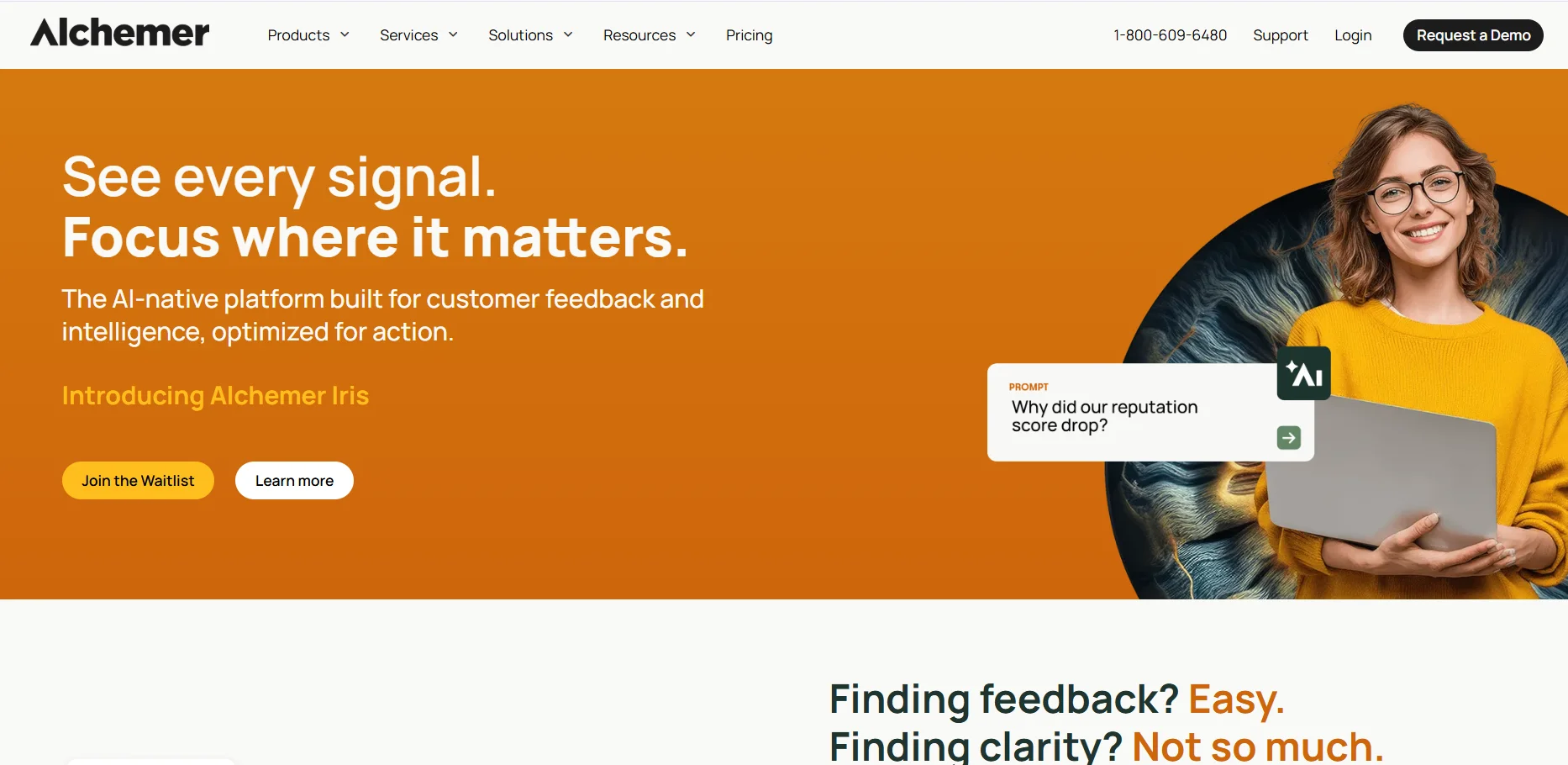 Alchemer, which used to be called SurveyGizmo, was the biggest surprise in my pricing check.
The Collaborator plan costs $315 a year and includes 75,000 responses a year, with unlimited surveys and unlimited questions. That is five times SurveyMonkey's Advantage Annual allowance for less money.
If you need survey branding, advanced logic and custom templates, Professional is $1,075 a year. Full Access ($1,895 a year) adds market research question types like card sort, heatmap and conjoint, plus advanced statistical analysis tools.
What I like
The most responses per dollar on this list
Real research tools at the higher tiers
Phone support on annual Professional and Full Access plans
What holds it back
No free plan to grow into
Monthly billing costs a lot more than yearly
Self-serve plans cap at 3 users
Verdict: The smart pick if you know you will run surveys all year and want a big response limit.
5. SurveySparrow: Best for Customer Feedback Programs
Price: Basic $19 a month billed yearly Free plan limit: 75 responses per quarter, 3 active surveys, 10 questions
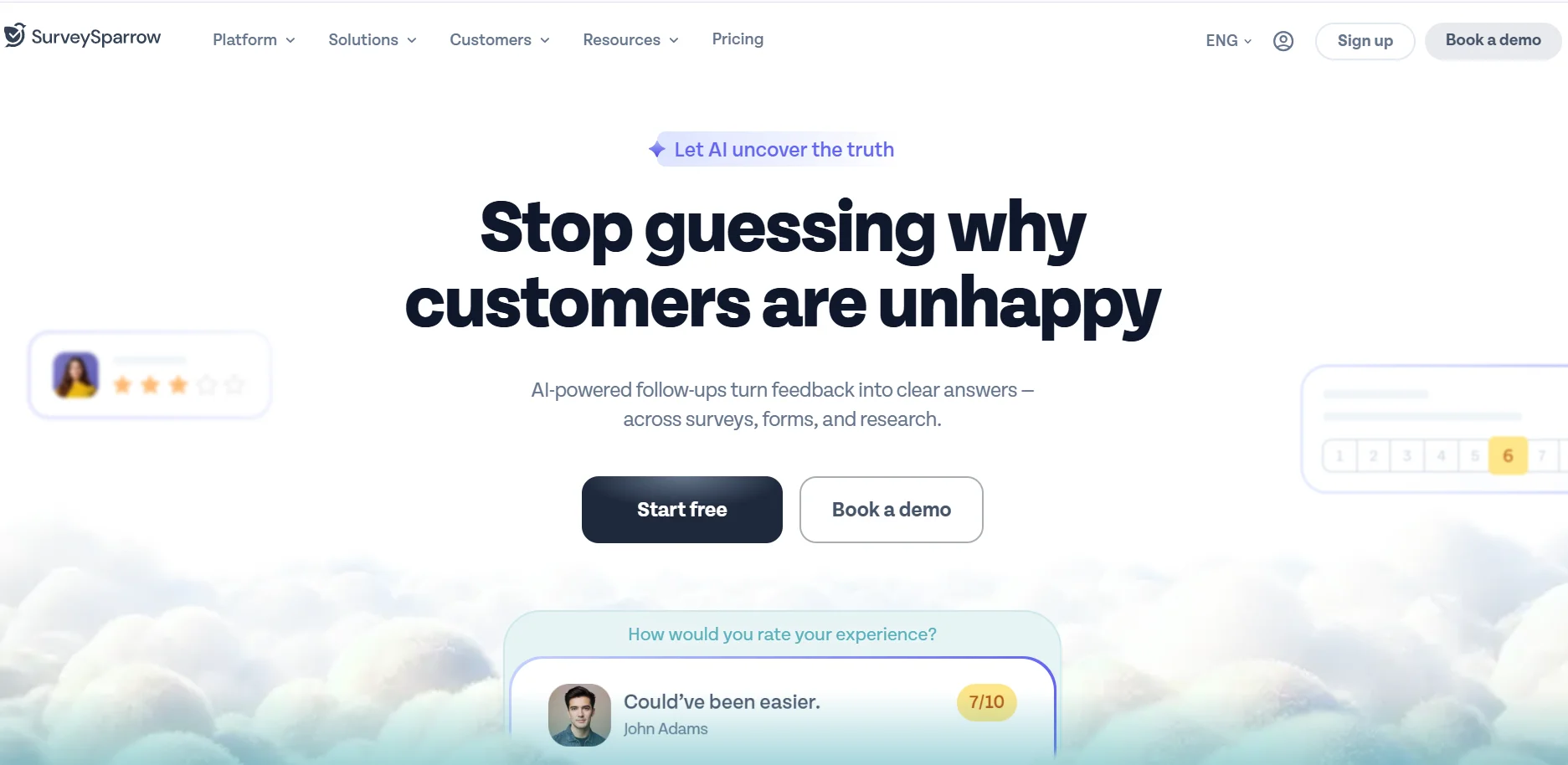 SurveySparrow is built around conversational surveys and recurring feedback. You can send surveys by email, share links, embed them, and set up workflows that fire when a response comes in.
It is a good fit for customer experience management. Things like Net Promoter Score (NPS), Customer Satisfaction Score (CSAT) and Customer Effort Score.
One warning. SurveySparrow does not offer monthly billing. You pay quarterly or yearly, and the $19 price is the yearly rate. Basic also counts responses per year (2,500), so for my test you need Starter at $39 a month billed yearly, which covers 15,000 a year.
In my test: A new account starts on a 14-day trial of paid features, capped at 50 responses, before it drops to the free plan. The "Build it with AI" box only takes 200 characters, so I could not paste my full question list. It still suggested the right questions, plus two I did not ask for.
Then it went wrong. When I clicked "Customise this", the survey opened with zero questions. The AI draft never made it into the builder, even after a reload, so I built the core questions by hand.
The builder itself is good. There are 30+ question types, and the Opinion Scale gives you a proper 0 to 10 NPS with labels. Skip logic and display logic were there during the trial, but SurveySparrow's pricing page lists them under the paid Basic plan. So expect them to lock once the trial ends.
What I like
Chat-style surveys that feel friendly
Partial responses saved on every paid plan
Built for recurring feedback rather than one-off surveys
What holds it back
The CX suite (NPS, CSAT, CES) is priced separately from survey plans
No true month-to-month option
Custom branding starts at the Business plan
Verdict: Choose it if feedback collection is an ongoing job at your company, not a one-time project.
6. Zoho Survey: Best for Teams Already Using Zoho
Price: Paid plans from Basic, billed yearly (see note below) Free plan limit: 10 questions and 100 responses per survey, unlimited surveys
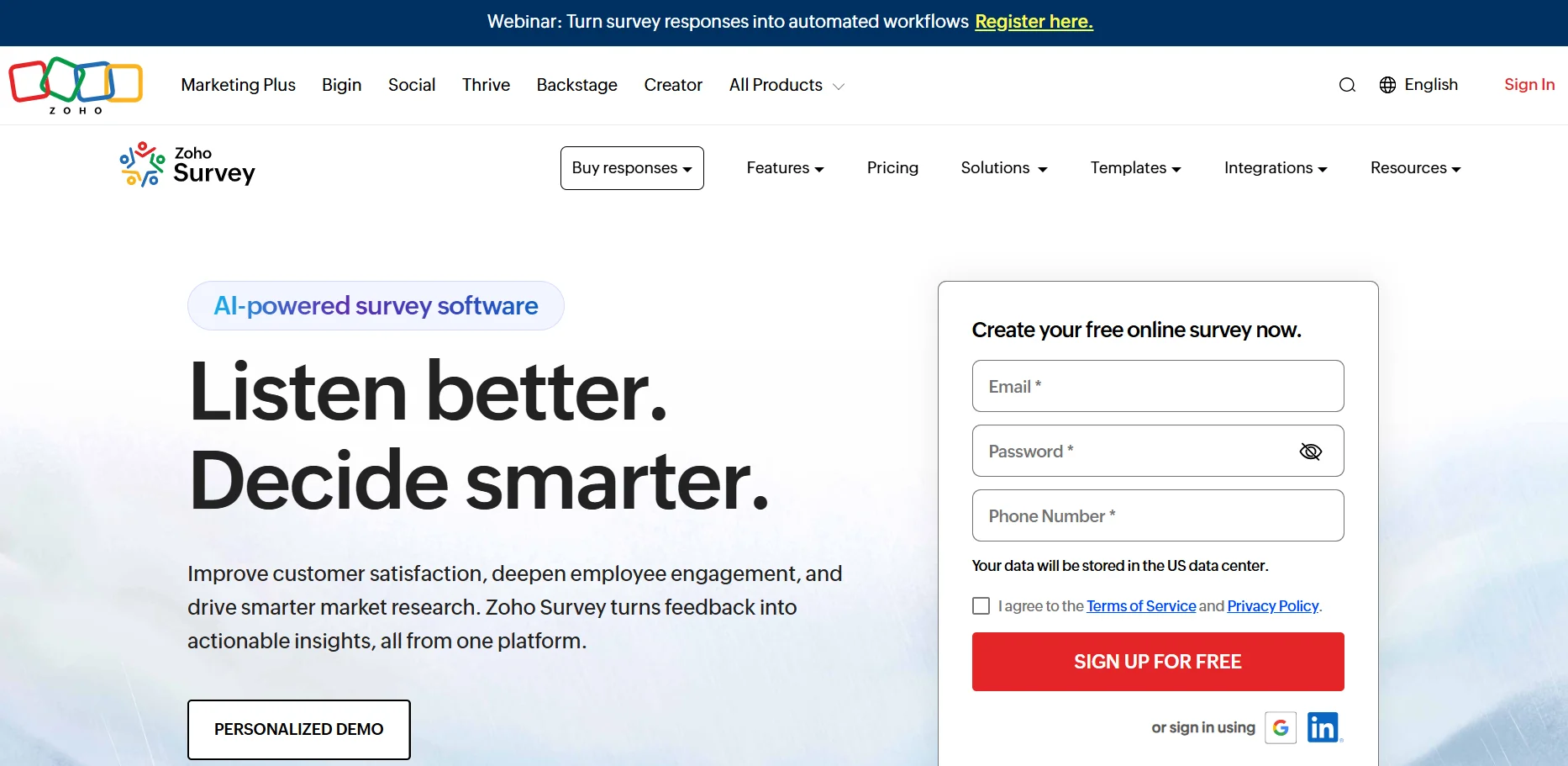 Zoho Survey's free plan is quietly one of the better ones. You get unlimited surveys, 250+ survey templates and real-time results, with 100 responses per survey.
The paid plans are where it gets interesting. Basic on yearly billing gives you 12,000 responses a year. Plus and above remove the yearly cap on yearly billing. Sentiment analysis, word clouds and TURF analysis show up from Basic.
The biggest reason to pick it is the Zoho ecosystem. Zoho CRM, Zoho Campaigns and Zoho Analytics all connect. Students also get the Plus plan for free, and educators get 50% off.
A note on price: Zoho's pricing page loads prices by region, so they did not display when I checked. Third-party trackers list Plus at about $25 a month on yearly billing. Check your own region before buying.
In my test: Zoho's AI survey builder is switched off on new accounts. You have to turn on Gen AI in your account settings first. So I used its Quick Editor instead, where you paste questions and answers and it guesses each question type. It guessed wrong a lot. My star ratings and NPS came out as plain multiple choice, and my checkbox question became single choice. I had to fix each one by hand.
The bigger problem is skip logic. On the free plan the Logic menu is padlocked, and clicking it shows an upgrade popup. So my support question showed to everyone, even people who said No.
The free plan did give me something nice, though. From my star rating question, Zoho built an automatic CSAT score chart in the reports. But spreadsheet export was locked too. Only PDF export worked.
What I like
Unlimited surveys on the free plan
Automatic CSAT chart, even on free
Free Plus plan for students
What holds it back
Skip logic and spreadsheet export are locked on the free plan
The Quick Editor gets question types wrong
Zoho CRM and Google Sheets integrations only start on Pro
White label surveys only on Pro and Enterprise
One user on every plan except Enterprise
Verdict: An easy yes if your company already runs on Zoho.
7. Qualtrics: Best for Enterprise and Academic Research
Price: Quote-based Free plan limit: 1 user, 3 active surveys, 30 questions per survey
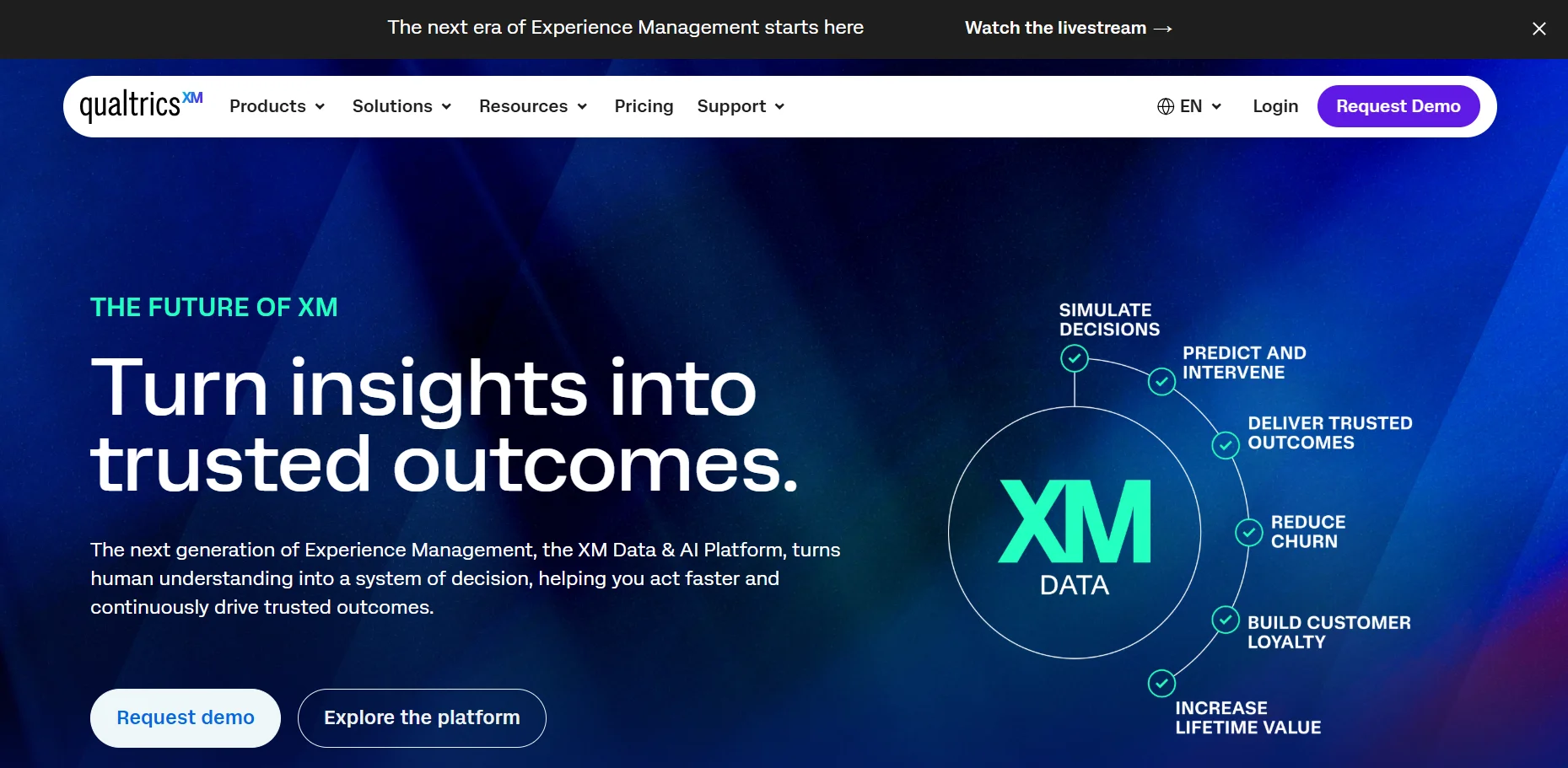 Qualtrics is the heavyweight. Universities, big brands and research teams use it for employee engagement surveys, customer experience programs and serious market research.
It does things SurveyMonkey does not do well, like advanced survey branching, pricing studies (Van Westendorp and Gabor Granger), and deep statistical analysis.
There is a free account, but it is meant as a taster. You can also try the Strategic Research plan free for 30 days. Beyond that, pricing depends on your number of responses and features, so you will be talking to sales.
What I like
The deepest research and analytics tools on this list
Strong data security and access controls for large teams
Many universities already have a license, so check before you pay
What holds it back
No public prices
Far more than a small business needs
Steeper learning curve
Verdict: The right SurveyMonkey alternative for academic research and enterprise programs. Overkill for anyone else.
8. QuestionPro: Best for Market Research on a Budget
Price: Advanced $99 per user per month, billed yearly Free plan limit: 1 user, around 200 responses per survey
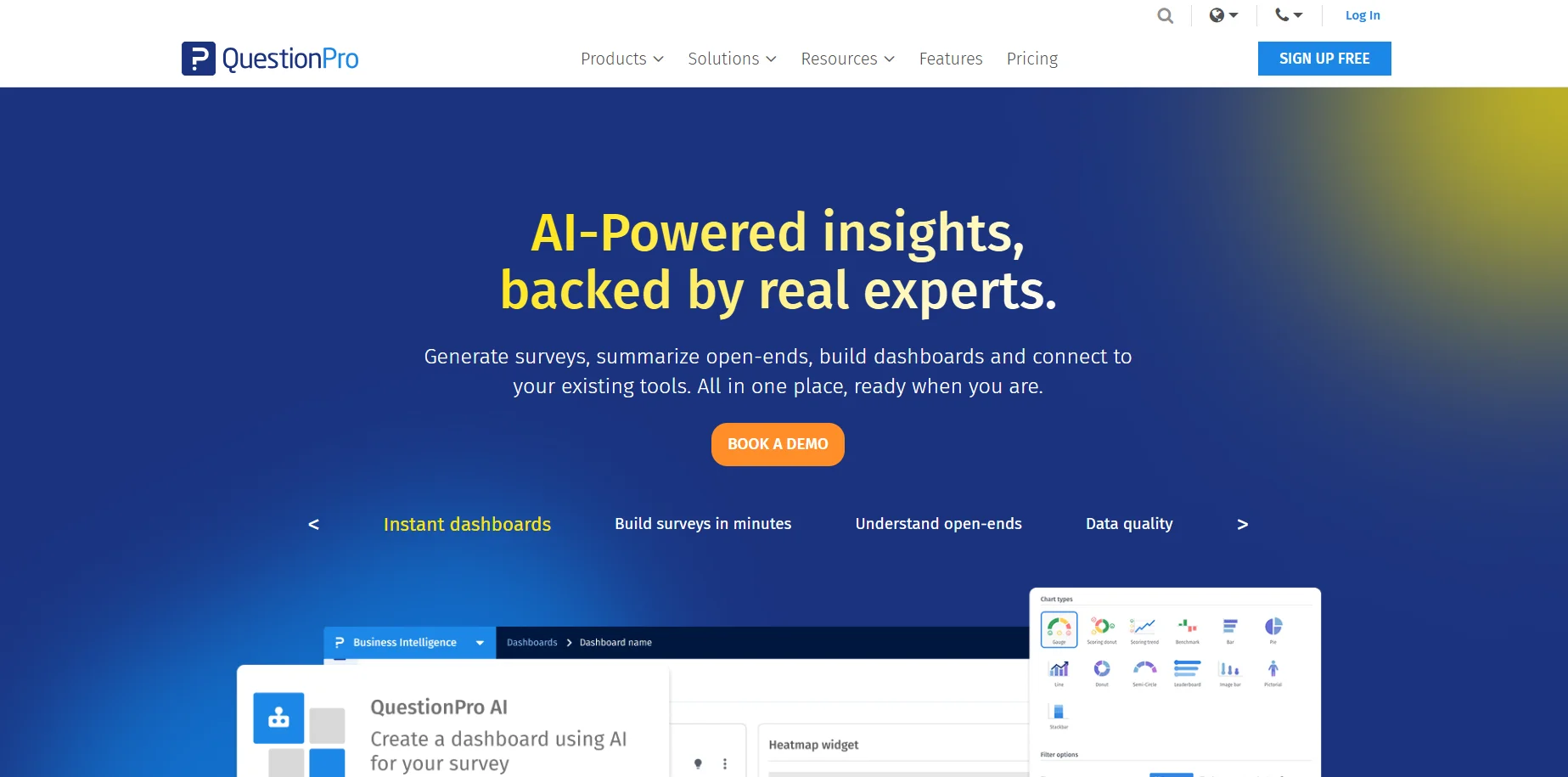 QuestionPro sits between SurveyMonkey and Qualtrics. It offers serious research features, like advanced data segmentation and built-in analysis, with prices you can actually see.
Advanced costs $99 per user per month on yearly billing and includes 25,000 responses a year. Team Edition drops to $83 per user per month but needs at least 5 users.
In my test: The free Essentials plan was the most locked-down of the five. The AI builder has a padlock, and clicking it took me to a $1,188 a year upgrade. The Net Promoter Score question type is also padlocked on free, along with heatmaps, conjoint and file uploads.
Basic skip logic does work on free, so you can send people who answer No past a question. But show and hide logic, compound branching and scoring are all locked. The upgrade box also lists Excel and CSV export as an Advanced feature.
What I like
Research-grade features with published prices
Basic skip logic on the free plan
Academic and nonprofit plans available
What holds it back
No NPS question on the free plan, which rules it out for free feedback programs
$1,188 a year for one user is steep for simple surveys
Per-user pricing adds up fast for teams
The Team Edition 5-seat minimum
Verdict: A solid choice for market research surveys when Qualtrics is out of budget.
9. LimeSurvey: Best Open-Source Survey Software
Price: Community Edition free (self-hosted). Cloud plans from about €29 a month Free plan limit: Cloud free plan has 25 responses. Self-hosted has no response limit
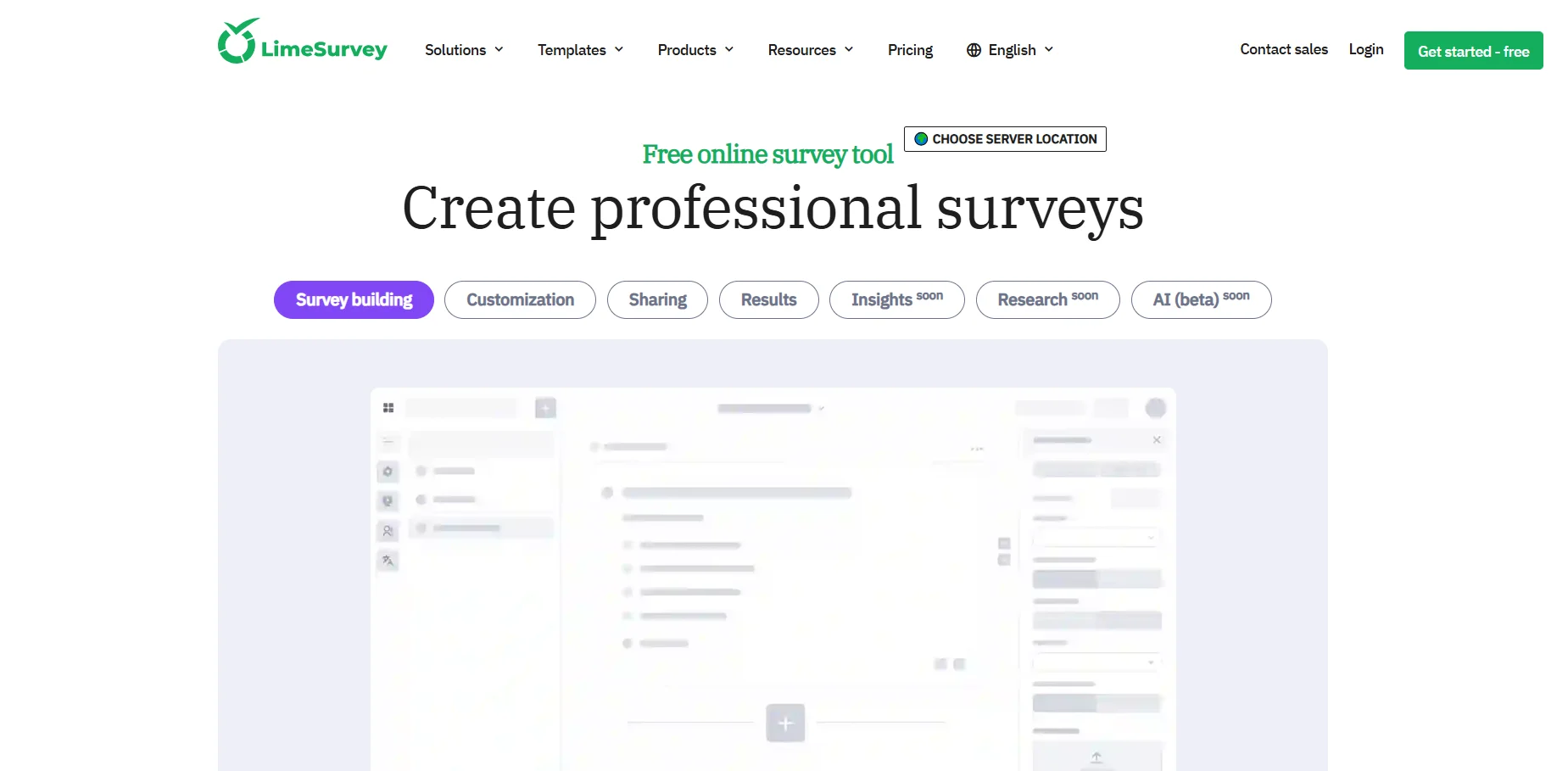 LimeSurvey has been around since 2003, and it is the main open-source survey software option. You can download the free Community Edition and run it on your own server.
That means full data ownership. Your survey data privacy is in your hands, which matters for researchers, NGOs and anyone with strict data rules.
If you do not want to manage a server, LimeSurvey Cloud does it for you. But watch the free cloud plan. According to LimeSurvey's help docs, when you hit the 25-response limit your site gets locked, and you cannot view or export the responses you already collected until you upgrade or support unlocks it.
What I like
Free, self-hosted survey software with no response limits
Huge range of question types and survey languages
Full data ownership
What holds it back
Self-hosting needs someone technical
The interface feels dated next to Typeform
The free cloud plan is too small for real use
Verdict: Pick it if owning your data matters more than a pretty interface.
10. Microsoft Forms: Best for Microsoft 365 Teams
Price: Included with Microsoft 365 Free plan limit: 200 responses per form on free personal accounts
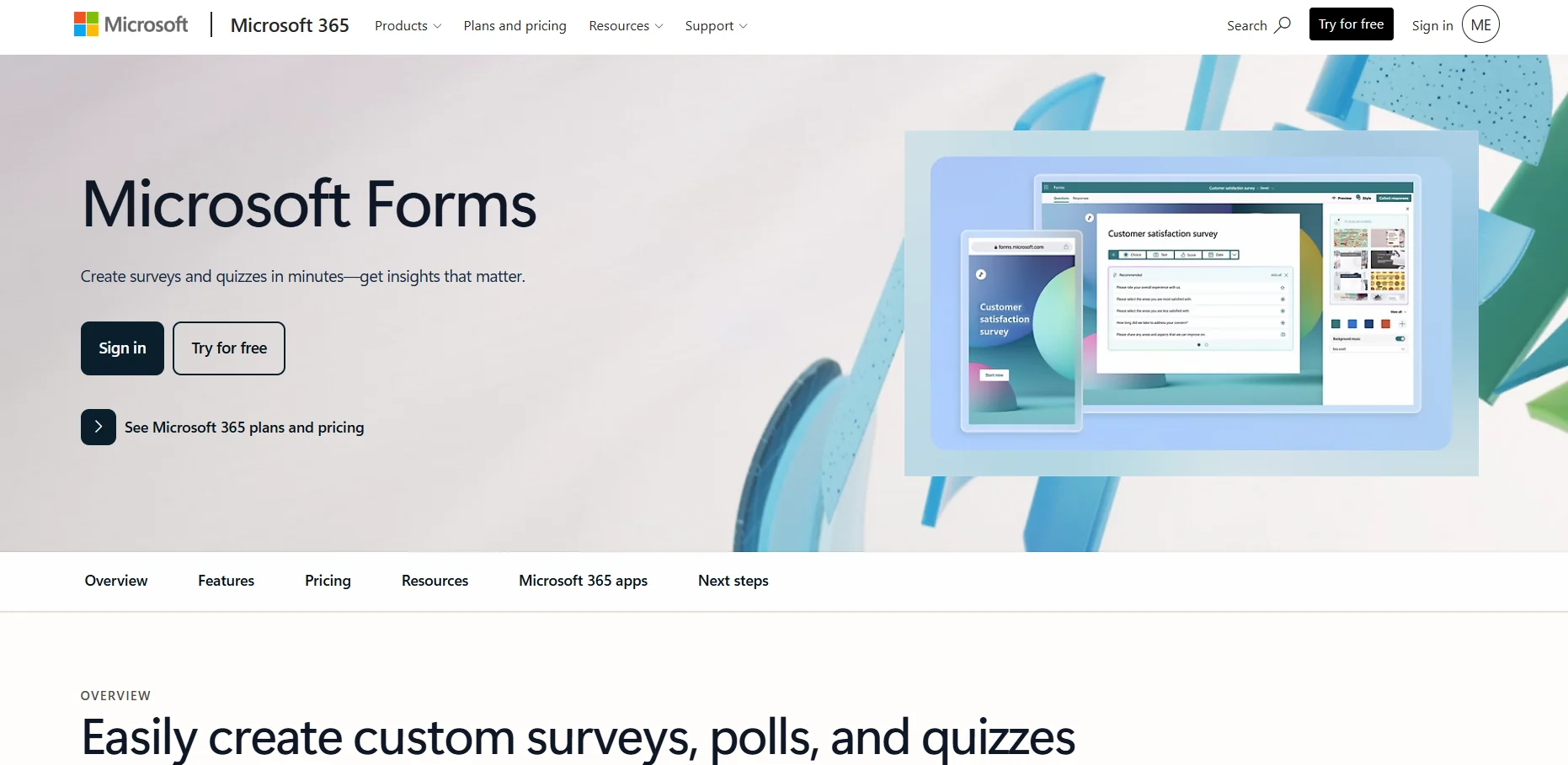 If your company already pays for Microsoft 365, you already have a survey tool. Microsoft Forms works inside Teams and exports straight to Excel.
The limits depend on your account. According to Microsoft's own limits page, a free personal account stops at 200 responses per form, and a paid personal account at 1,000. Work and school accounts get far more, up to 50,000 responses per form.
What I like
No extra cost for Microsoft 365 users
Great for quick employee surveys and quizzes
Excel and Teams built in
What holds it back
The 200-response wall on free personal accounts
Very basic design and logic
Not built for customer-facing surveys
Verdict: Use it for internal surveys if you live in Microsoft 365. Do not use a free personal account for anything public.
SurveyMonkey Alternatives Compared Side by Side
Tool | Free plan | Cheapest paid plan | Responses on that plan | Best for |
|---|---|---|---|---|
SurveyMonkey | 10 questions, limited responses | $39/mo billed yearly | 15,000 a year | Familiar all-rounder |
Google Forms | Free, no published cap | Free | No published cap | Free surveys |
Jotform | 100 a month | $34/mo billed yearly | 1,000 a month | Small businesses |
Typeform | Small monthly cap | $28/mo billed yearly | 100 a month | Branded surveys |
Alchemer | 7-day trial | $315 a year | 75,000 a year | Value at volume |
SurveySparrow | 75 a quarter | $19/mo billed yearly | 2,500 a year | Customer feedback |
Zoho Survey | 100 per survey | Basic, billed yearly | 12,000 a year | Zoho users |
Qualtrics | 3 active surveys | Quote | Custom | Enterprise research |
QuestionPro | About 200 per survey | $99/user/mo billed yearly | 25,000 a year | Market research |
LimeSurvey | 25 (cloud), unlimited self-hosted | About €29/mo (cloud) | 10,000 a year | Data ownership |
Microsoft Forms | 200 per form (personal) | Microsoft 365 | Up to 50,000 per form | Internal surveys |
The Free Plan Reality Check
"Free" means very different things across survey platforms. Some free plans limit you per survey, some per month, and some per quarter.
Here is how far each free SurveyMonkey alternative really gets you, from most generous to least:
Google Forms: no published response cap. The only truly free option for real volume.
LimeSurvey Community Edition: no cap, but you pay for and manage your own server.
Microsoft Forms: 200 responses per form on a free personal account.
QuestionPro Essentials: around 200 responses per survey, 1 user.
Zoho Survey: 100 responses per survey, 10 questions, unlimited surveys.
Jotform Starter: 100 submissions a month across 5 forms.
SurveySparrow: 75 responses per quarter, 3 active surveys.
LimeSurvey Cloud: 25 responses, then the site locks.
The trick with free plans is the unit. Zoho's 100 per survey can beat Jotform's 100 per month if you run lots of small surveys. But Jotform wins if you run one survey all year.
My rule of thumb: if you expect more than 100 responses in a month, skip every free plan except Google Forms.
And response limits are only half of it. In my test, Zoho Survey's free plan locked skip logic and QuestionPro's locked the NPS question. If your survey needs either one, Jotform and Typeform were the only free plans that gave me both.
Which SurveyMonkey Alternative Fits Your Job?
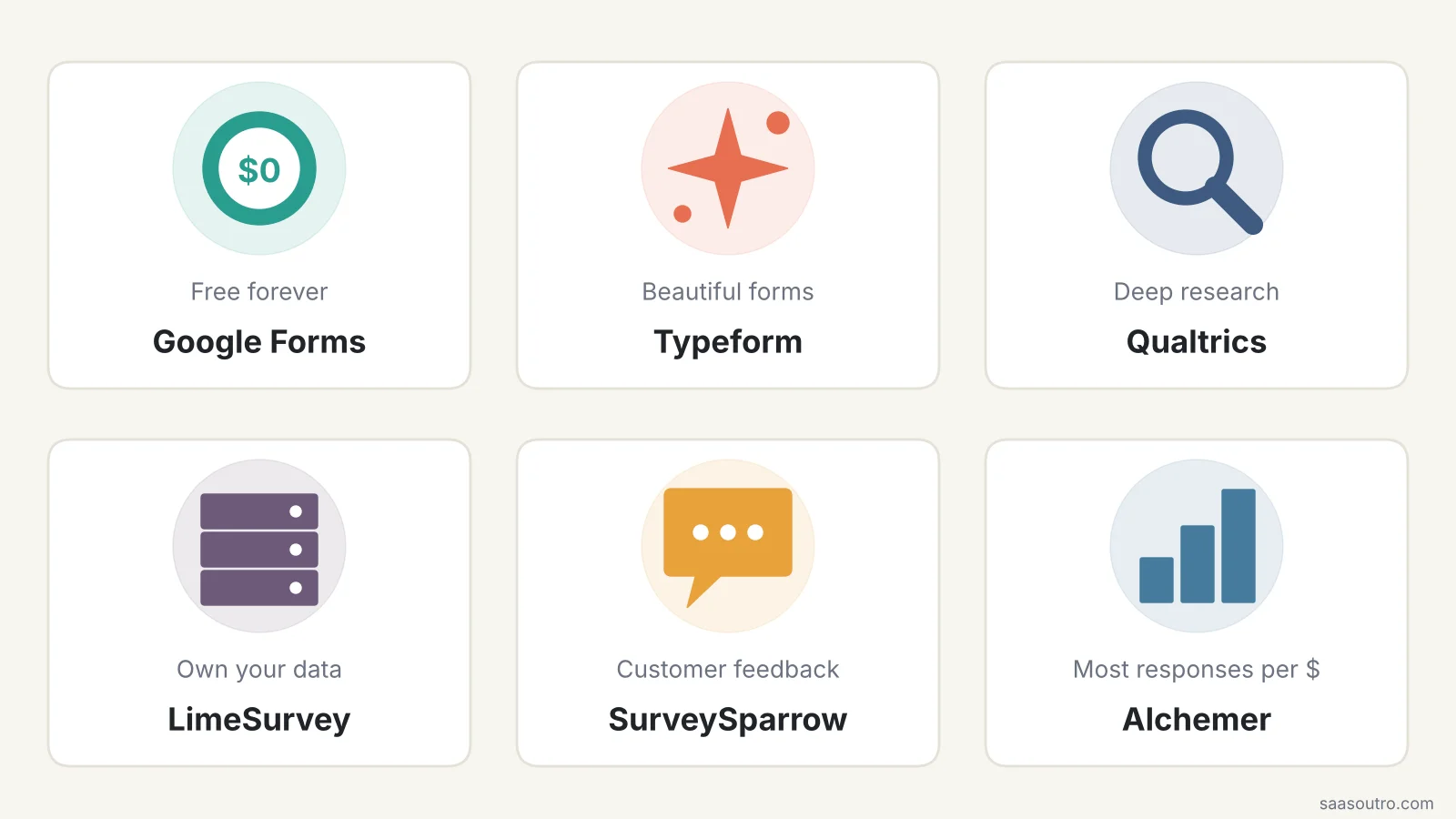 The quick version: start from the job you need done, not from the feature list.
For Small Businesses
Start with Google Forms if it is free you need. Move to Jotform when you want branding removed, payments and more forms. If you send surveys to your email list, check whether your email marketing tool connects to your survey software first. Jotform, Typeform and Zoho Survey all link up with Mailchimp.
For Market Research and Academic Research
Qualtrics if your university or company has a license. QuestionPro or Alchemer Full Access if you are buying it yourself. All three handle matrix questions, survey branching, crosstabs and statistical analysis. LimeSurvey is popular with academics who need to keep research data on their own servers.
For Customer Feedback
SurveySparrow for ongoing NPS and CSAT programs. Typeform for product feedback and website feedback where response rates matter more than volume.
For Employee Surveys
Microsoft Forms if you are on Microsoft 365. Google Forms if you are on Google Workspace. Both support anonymous surveys. For bigger employee engagement surveys with benchmarking, look at Qualtrics.
SurveyMonkey vs Google Forms, Typeform and Qualtrics
These are the three head-to-heads people search for most, so here is my one-paragraph take on each.
SurveyMonkey vs Google Forms: Google Forms wins on price every time. SurveyMonkey wins on survey templates, question types and built-in analysis. If you are happy to analyze responses in Google Sheets, Google Forms is the better deal.
SurveyMonkey vs Typeform: Typeform wins on design and the respondent experience. SurveyMonkey wins on volume. At 500 responses a month, Typeform Plus costs $672 a year against SurveyMonkey's $468.
SurveyMonkey vs Qualtrics: Qualtrics wins on research depth and enterprise controls. SurveyMonkey wins on public pricing and ease of use. Most small teams do not need Qualtrics.
When You Should Stay on SurveyMonkey
I would be lying if I said everyone should switch.
Stay on SurveyMonkey if you are happy to pay yearly, you collect between 1,000 and 15,000 responses a year, and you value its templates and built-in AI analysis. At that volume, Advantage Annual is fairly priced.
You can also tap into SurveyMonkey Audience, its paid research panel, if you need to buy respondents. Most alternatives on this list do not have their own panel.
The people who should leave are those paying $149 a month on Standard Monthly, teams forced into 3 seats, and anyone stuck on the free plan's 10-question limit.
A Simple Checklist Before You Switch
Switching survey tools is easy. Losing your old data is also easy. Here is what I would do:
Export everything first. Download your SurveyMonkey responses as CSV or Excel files before you cancel. SurveyMonkey's pricing FAQ says that when you drop to the free plan, responses over the Basic limit that are older than 365 days get deleted.
Turn off auto-renew, not just your surveys. Paid plans renew automatically by default.
Rebuild your top 3 surveys in the new tool and test them on your phone.
Reconnect your integrations, like Google Sheets, your CRM or Slack.
Run both tools side by side for a month if you track NPS, so your scores do not jump because of the switch.
If you want to see these tools next to each other before deciding, our comparison hub puts plans and features side by side.
Frequently Asked Questions
What is the best alternative to SurveyMonkey?
For most people, Google Forms is the best free alternative and Jotform is the best paid one. In my hands-on test, Jotform and Typeform were the only free plans that built my whole survey with AI and gave me working skip logic. If you need more responses for less money, Alchemer gives you 75,000 responses a year for $315. For research, Qualtrics is the strongest option.
What is the best free SurveyMonkey alternative?
Google Forms. It is free with any Google account, has no published response limit and sends answers straight to Google Sheets. If you need to self-host, LimeSurvey Community Edition is also free.
Is Google Forms better than SurveyMonkey?
For simple surveys, yes, because it does the same core job for free. SurveyMonkey is better if you need advanced question types, built-in reports and survey templates without doing the analysis yourself.
Which SurveyMonkey alternative is best for businesses?
Jotform is the best fit for small businesses because it handles surveys, forms and payments in one tool from $34 a month. Larger businesses running feedback programs should look at SurveySparrow or Alchemer.
Are there open-source alternatives to SurveyMonkey?
Yes. LimeSurvey is the best-known open-source survey software. Its Community Edition is free under the GPL license and you can host it on your own server with no response limits.
Why do people look for SurveyMonkey alternatives?
Mostly price. The only month-to-month plan costs $149 a month, team plans need at least 3 users, and extra responses cost $0.15 each. Others leave for better design, a bigger free plan or full data ownership.
Does SurveyMonkey have a free plan?
Yes, the Basic plan is free. But it limits you to 10 questions per survey and a limited number of viewable responses per survey, and your surveys carry SurveyMonkey branding.